
Wear OS Explained Simply — What Your Smartwatch Is Actually Running
Wear OS is the operating system behind many Android smartwatches, handling notifications, fitness tracking, and quick app access.
🌐 Translate this article:
⚡ Powered by Google Translate · Original content preserved
A smartwatch needs its own operating system, just like a phone does. Wear OS is the one Google built specifically to run on your wrist.
What It Actually Does
Wear OS handles everything happening on a smartwatch — showing notifications from your phone, tracking your heart rate and steps, and letting you quickly glance at information without pulling out your phone. It's built to pair closely with an Android phone, sharing data like messages and app notifications directly onto your wrist in real time.
What You Can Actually Do With It
- See phone notifications and messages directly on your wrist
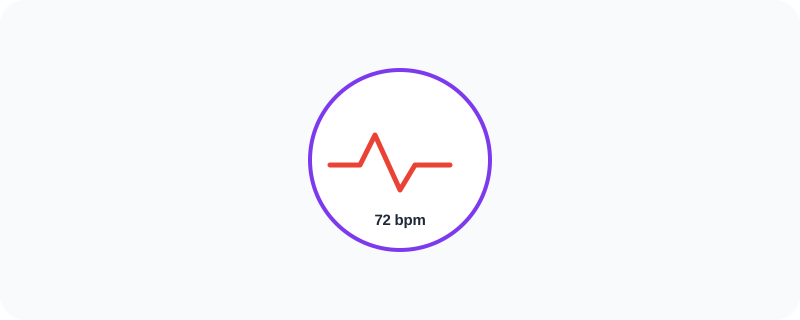
- Track heart rate, steps, and sleep automatically
- Use quick "Tiles" for fast access to things like weather or your schedule
- Talk to Google Assistant hands-free from your watch
- Pay for things using your watch with tap-to-pay, similar to a phone
Who Is This For?
Android users who want fitness tracking and notifications without constantly checking their phone. People who like glancing at their wrist for quick information instead of pulling out a device.
How to Start Using It
- Go to wearos.google.com to check compatible watches
- Pair the watch with your phone using the companion app
- Customize your watch face and add Tiles for quick access
- Turn on fitness tracking features you want to use
A Simple Way to Think About It
Think of it as a small extension of your phone that lives on your wrist, showing you just enough information to skip pulling your phone out for every little notification.
Want to see more Google tools for mobile and devices? Browse the full Google Universe directory, or read our simple guide to Google Fi Wireless next.
📣 Share this article