
Google Fi Wireless Explained Simply — A Phone Plan That Adjusts to You
Google Fi switches between networks automatically and can charge you only for the data you actually use. Here's how it actually works.
🌐 Translate this article:
⚡ Powered by Google Translate · Original content preserved
Most phone plans lock you into one network and a fixed amount of data, whether you use it or not. Google Fi takes a more flexible approach to both of those things.

What It Actually Does
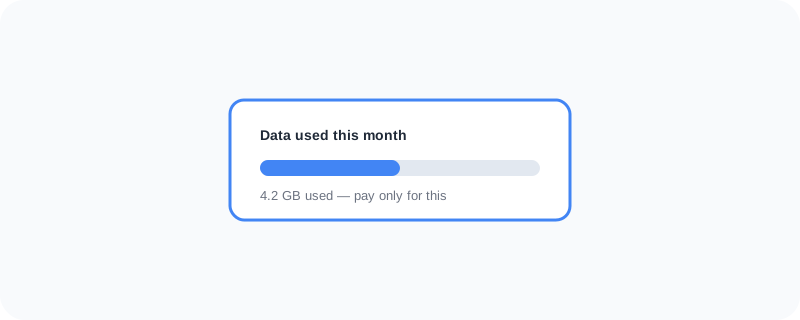
Instead of relying on just one cellular network, Google Fi automatically switches between several partner networks to find the best signal wherever you are. On certain plans, you're also only charged for the actual data you use that month, instead of paying a flat fee whether you used 2GB or 20GB. It also includes coverage in a large number of countries at no extra cost, which matters a lot if you travel often.
What You Can Actually Do With It
- Get automatic switching between networks for better coverage
- Pay only for the data you actually use, on flexible plans
- Use the same plan while traveling internationally in many countries
- Manage your account and see usage directly from the Fi app
- Skip long-term contracts, since plans are generally month-to-month
Who Is This For?
People who travel often and don't want to pay extra for international coverage. Light data users who don't want to overpay for a fixed data amount they rarely use. It's less ideal for extremely heavy data users, since pay-per-use pricing can add up if you constantly stream on the go.
How to Start Using It
- Go to fi.google.com
- Check if your phone is compatible with Google Fi
- Choose a plan based on your typical data usage
- Follow the setup steps to activate your SIM or eSIM
A Simple Way to Think About It
Think of it as a phone plan that pays attention to where you actually are and how much you actually use, instead of charging you the same flat amount no matter what.
Want to see more Google tools for mobile and devices? Browse the full Google Universe directory, or read our simple guide to Wear OS next.
📣 Share this article