
Waze Explained Simply — Navigation Powered by Other Drivers
Waze uses real-time reports from other drivers to warn you about traffic, police, and hazards before you reach them.
🌐 Translate this article:
⚡ Powered by Google Translate · Original content preserved
Google Maps gets you where you're going. Waze, also owned by Google, is built around something different — real drivers on the same roads reporting what's actually happening right now.
What It Actually Does
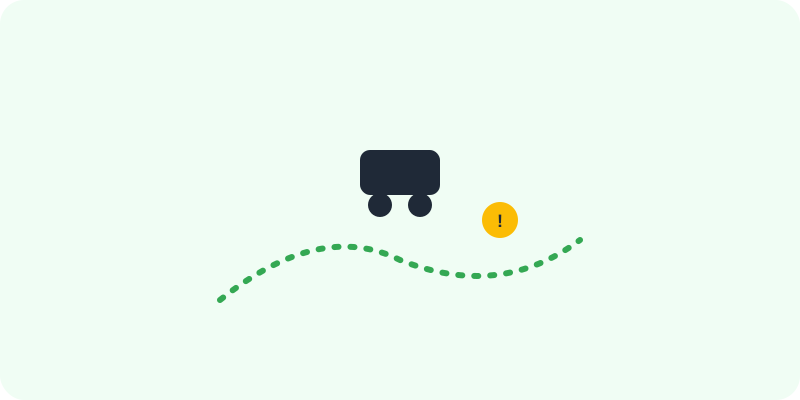
As you drive with Waze open, other drivers on the same roads can report traffic jams, police, accidents, or hazards, and those reports show up on your map in real time. If a faster route opens up because of something reported ahead, Waze reroutes you automatically, often before a jam even becomes visible on your own screen.
What You Can Actually Do With It
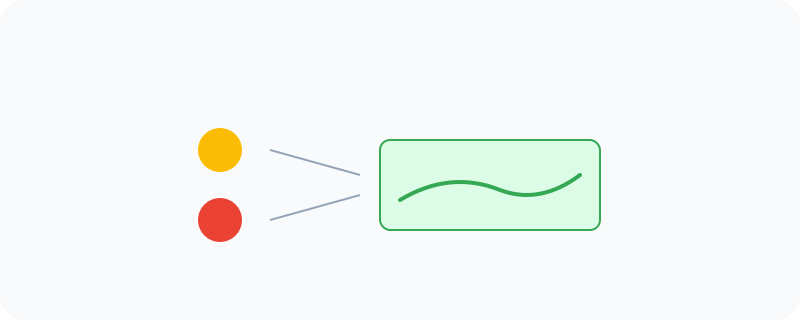
- See live driver-reported traffic, police, and hazards on your route
- Get rerouted automatically the moment a faster path becomes available
- Report a hazard yourself to warn other drivers behind you
- Check crowdsourced gas prices to find the cheapest nearby fuel
Who Is This For?
Daily commuters who want to avoid traffic before it's too late to reroute. Drivers in busy cities where real-time conditions change fast. If you drive mostly quiet, predictable roads, the difference from regular Maps is smaller — Waze shines most in unpredictable traffic.
How to Start Using It
- Go to waze.com, or download the app
- Enter your destination and start driving with the app open
- Tap the report button to flag a hazard for others
- Let Waze reroute automatically if a faster path opens up
A Simple Way to Think About It
Think of it as thousands of other drivers radioing ahead to tell you what's actually happening on the road, in real time.
Want to see more Google tools for navigation and travel? Browse the full Google Universe directory, or read our simple guide to Google Maps next.
📣 Share this article