
NotebookLM Explained Simply — Your Own AI That Only Reads Your Notes
NotebookLM only answers from the documents you give it — nothing else. That makes it perfect for studying, research, and turning messy notes into something clear.
🌐 Translate this article:
⚡ Powered by Google Translate · Original content preserved
Most AI chatbots know a bit about everything on the internet. NotebookLM is different — it only knows what you upload to it. Give it your notes, a PDF, or a link, and it answers questions using only that material.
Why That's Actually a Big Deal
When an AI can search the whole internet, it sometimes makes things up or brings in information you didn't ask for. NotebookLM avoids that by sticking strictly to your own sources. If you upload your class notes, it will only talk about what's in those notes — nothing extra, nothing made up.
What You Can Do With It
- Upload class notes, PDFs, or research papers and ask questions about them
- Turn a stack of documents into a short audio conversation you can listen to like a podcast
- Get an instant study guide or summary from long, messy notes
- Ask it to quiz you on the material you uploaded
- Every answer comes with a link back to exactly where it found that information
Who Is This For?
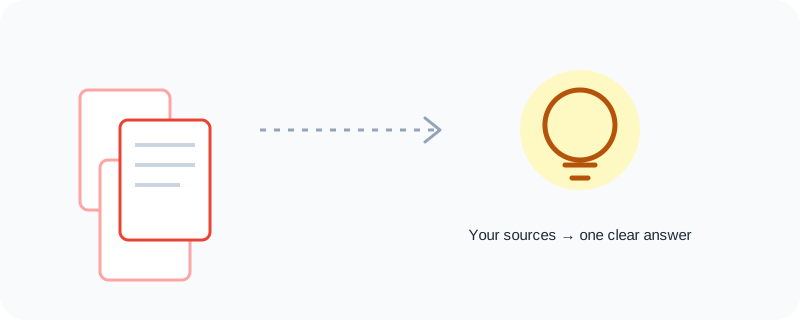
Students preparing for exams. Researchers working through a pile of papers. Anyone who has a folder full of documents and no time to read them all cover to cover. If "I have too much to read and not enough time" sounds familiar, this tool was built for you.
How to Start Using It
- Go to notebooklm.google.com
- Sign in with your Google account
- Create a new notebook and upload your documents, notes, or paste in a link
- Ask a question in plain English, or tap "Generate" for a summary or audio overview
No special setup. No learning curve. If you can upload a file, you can use NotebookLM.
A Simple Way to Think About It
Picture handing someone your entire textbook and saying, "Only answer using what's in here." That's NotebookLM in one sentence.
Curious what else is in Google's toolbox? Browse the full Google Universe directory, or read our simple guide to Gemini App and Google AI Studio next.
📣 Share this article