
Gemini App: What It Is and How to Use It (Explained Simply)
Gemini is Google's AI assistant that can read, look at pictures, and even understand video — all in one chat. Here's what it actually does, in plain words.
🌐 Translate this article:
⚡ Powered by Google Translate · Original content preserved
Let's keep this simple. Gemini is Google's AI assistant. You type a question, or even show it a photo, and it talks back like a helpful friend who happens to know a lot.
What Makes Gemini Different
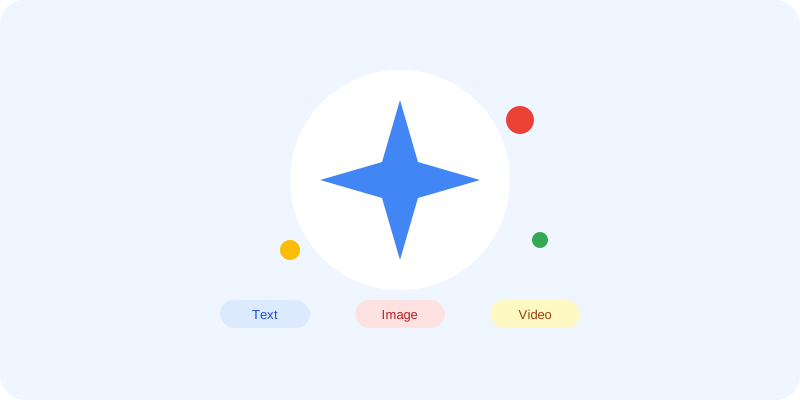
Most people think of AI chat as "type a question, get an answer." Gemini does that too. But it can also look at a picture you send it, listen to what you say, and even watch a short video — then explain what's going on in normal words.
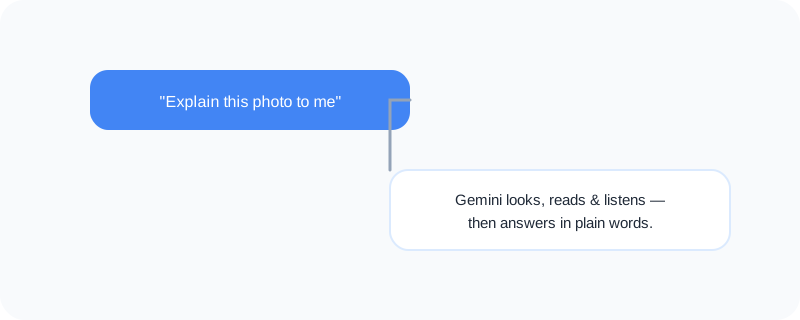
So instead of just asking "what's a good recipe for pasta," you could snap a photo of your fridge and ask "what can I cook with this?"
What You Can Actually Do With It
- Ask everyday questions, the same way you'd ask a friend
- Upload a photo and ask what's in it, or ask it to explain a diagram
- Get help writing an email, a message, or even a poem
- Ask it to summarize a long article or document
- Have it double-check your homework or explain a topic step by step
Who Is This For?
Honestly — everyone. Students use it to understand tricky topics. Working professionals use it to draft emails faster. Parents use it to help with homework. You don't need to be "techy" to use Gemini. If you can send a text message, you can use it.
How to Start Using It
- Go to gemini.google.com
- Sign in with your Google account (the same one you use for Gmail)
- Type your question in the box, or tap the photo icon to upload an image
- Read the answer — and ask a follow-up question if you need more detail
That's really it. There's no setup, no download required, and the free version is enough for most everyday use.
A Simple Way to Think About It
Imagine a really well-read friend who never gets tired of your questions and doesn't mind explaining things twice. That's the easiest way to picture Gemini.
Want to see where Gemini fits alongside Google's other AI tools? Check out our full Google Universe directory, or read our simple guides to NotebookLM and Google AI Studio next.
📣 Share this article