
Google Wallet Explained Simply — Every Ticket and Pass in One Place
Google Wallet holds your boarding passes, event tickets, and loyalty cards, and updates them automatically. Here's what it actually does.
🌐 Translate this article:
⚡ Powered by Google Translate · Original content preserved
Digging through email trying to find a boarding pass at the airport gate is stressful. Google Wallet is built to make sure that pass is just already sitting on your phone, updated and ready.
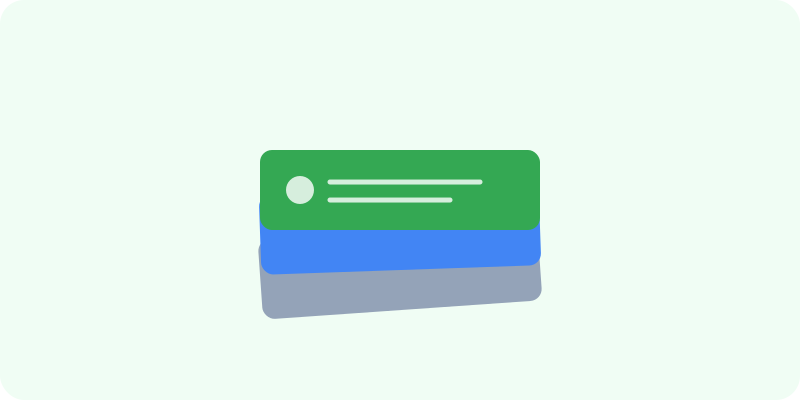
What It Actually Does
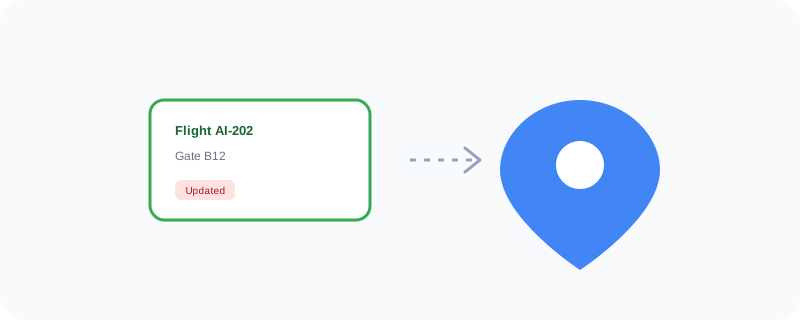
Once a pass — a plane ticket, a concert ticket, a loyalty card — is added to Wallet, it stays updated automatically. If your flight's gate changes at the last minute, the pass on your phone updates itself, without you needing to check your email again. Some passes will even pop up automatically on your lock screen right when you arrive at the relevant place, like a boarding pass appearing as you walk into the airport.
What You Can Actually Do With It
- Store boarding passes, event tickets, and loyalty cards in one app
- Get passes that update automatically if details change, like a gate number
- Have relevant passes surface automatically based on your location
- Store a digital driver's license or student ID in supported regions
- Access everything even if you don't have signal, since passes are saved on the phone
Who Is This For?
Frequent travelers who don't want to dig through email at the gate. Anyone who goes to concerts or events regularly. People who like the idea of one less physical card cluttering their wallet.
How to Start Using It
- Go to wallet.google.com, or open the app
- Add a pass by scanning a QR code from an email confirmation, or connecting a supported airline or event app
- Check your Wallet before a trip to make sure your boarding pass is added
- Let the pass surface automatically when you arrive at the airport or venue
A Simple Way to Think About It
Think of it as a physical wallet's ticket pocket that magically keeps every ticket updated and hands you the right one exactly when you need it.
Want to see more Google tools for money and payments? Browse the full Google Universe directory, or read our simple guide to Google Pay next.
📣 Share this article