
Google Pay Explained Simply — Paying With Just Your Phone
Google Pay lets you tap your phone to pay in stores, send money to friends, and keep your cards in one place. Here's how it actually works.
🌐 Translate this article:
⚡ Powered by Google Translate · Original content preserved
Forgetting your wallet used to mean turning back home. With Google Pay, your phone can handle most of what your wallet used to do.
What It Actually Does
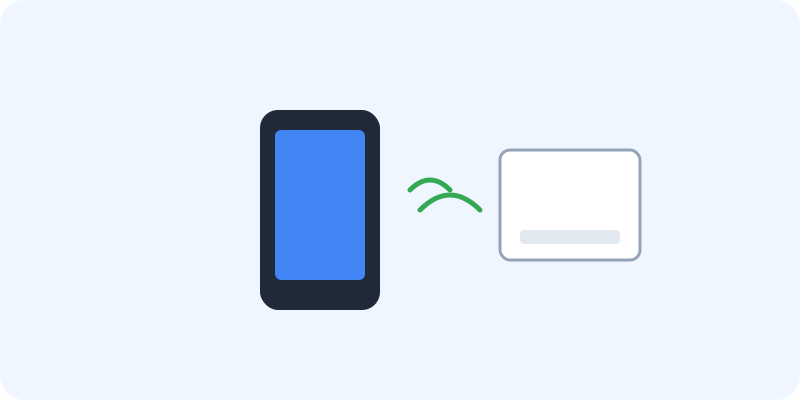
Google Pay stores a digital copy of your card details securely on your phone, so when you tap your phone at a store's payment terminal, it sends that payment information without ever showing your actual card number. Beyond just paying in stores, it also lets you send money directly to a friend or family member, similar to handing them cash, just done through the app instead.

What You Can Actually Do With It
- Tap your phone to pay at any store with a contactless payment terminal
- Send money to friends or family directly through the app
- Store loyalty cards and offers alongside your payment cards
- Pay for things online without retyping your card details every time
- Keep boarding passes and tickets in the same app as your payment cards
Who Is This For?
Anyone who wants to pay for things without carrying a physical wallet everywhere. People who frequently send money to friends and want it to feel as simple as texting. If a store or app accepts Google Pay, it usually saves a step compared to typing out card details.
How to Start Using It
- Go to pay.google.com, or open the app on your phone
- Add your debit or credit card by scanning it or entering the details
- Hold your phone near a contactless payment terminal to pay
- Use the "Send" option to transfer money to someone else
A Simple Way to Think About It
Think of your phone as a wallet that also happens to make a call, take photos, and check the weather — the card is just one more thing it can carry for you.
Want to see more Google tools for money and shopping? Browse the full Google Universe directory, or read our simple guide to Google Wallet next.
📣 Share this article