
Google Tasks Explained Simply — A To-Do List That Lives in Your Inbox
Google Tasks turns an email straight into a to-do item, and keeps due dates visible right on your calendar.
🌐 Translate this article:
⚡ Powered by Google Translate · Original content preserved
A dedicated to-do list app is great, until you forget to check it. Google Tasks solves that by living right inside Gmail and Calendar, the apps you already check constantly.
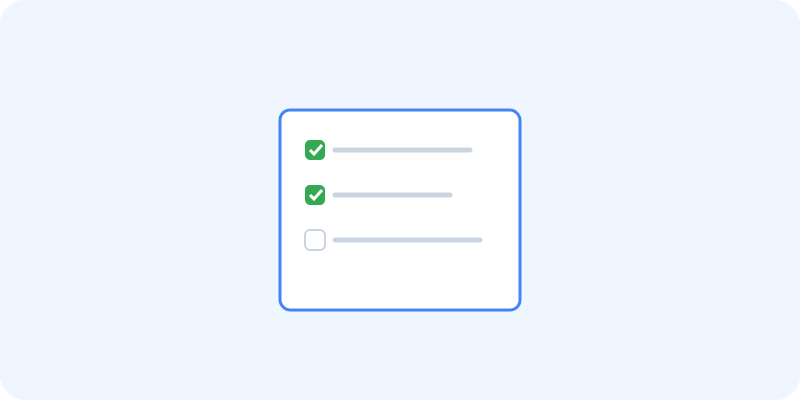
What It Actually Does
Google Tasks is a simple to-do list, but its biggest strength is how closely it's tied to Gmail. You can turn any email into a task with a single click, and any due date you set shows up automatically on Google Calendar, so your to-do list and your schedule stay in sync without extra effort.
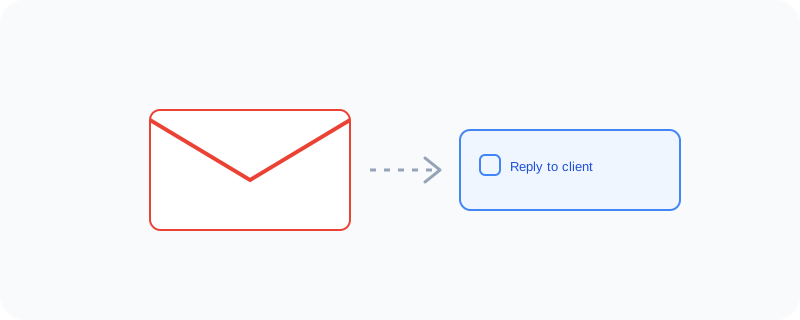
What You Can Actually Do With It
- Turn any Gmail email into a task instantly
- Set due dates that automatically appear on Calendar
- Organize tasks into separate lists for different projects
- Check off completed tasks and track your progress
Who Is This For?
Anyone who manages a lot of their work through email and wants a simple list without switching to a separate app. People who prefer a lightweight to-do list over a complex project management tool.
How to Start Using It
- Open Gmail or Calendar and look for the Tasks panel on the side
- Click "Add a task" to create your first item
- Right-click an email and choose "Add to Tasks" to turn it into a task
- Set a due date to see it appear on your calendar
A Simple Way to Think About It
Think of it as a sticky note that lives permanently next to your inbox and calendar, instead of a separate app you have to remember to open.
Want to see more Google Workspace tools? Browse the full Google Universe directory, or read our simple guide to Google Chat next.
📣 Share this article