
Google Chat Explained Simply — Team Messaging That Stays Connected to Your Work
Google Chat keeps team conversations linked to the same Docs, Sheets, and meetings you're already using, instead of living separately.
🌐 Translate this article:
⚡ Powered by Google Translate · Original content preserved
Team chat apps are everywhere, but most of them live completely separate from the documents and meetings you're actually working on. Google Chat was built to close that gap.

What It Actually Does
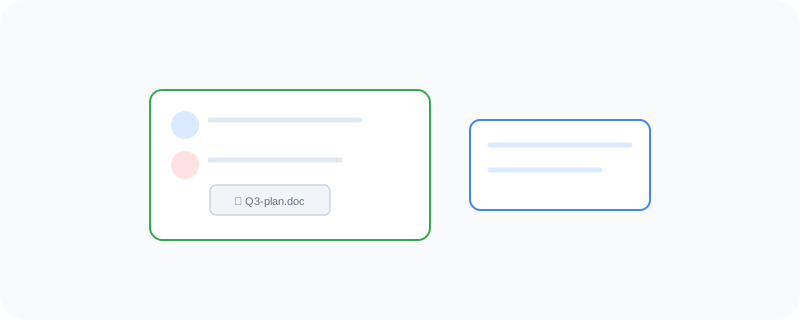
Google Chat organizes team conversations into "spaces" — dedicated areas for a project or team — and lets you attach or reference a Doc, Sheet, or Meet call directly inside the conversation. That means a discussion about a document doesn't need to happen somewhere else entirely; it can happen right next to the file itself.
What You Can Actually Do With It
- Organize conversations into spaces for specific teams or projects
- Send direct messages and group chats with file sharing
- Attach or open a Doc, Sheet, or Slide directly from a conversation
- Start a Meet call straight from a chat thread
Who Is This For?
Teams already using Gmail, Docs, and Meet who want their messaging to live in the same ecosystem. Businesses looking for a simpler alternative to running a separate chat platform and separate document tools.
How to Start Using It
- Go to chat.google.com
- Sign in with your Google Workspace account
- Create a space for your team or project
- Attach a Doc or start a Meet call directly from the conversation
A Simple Way to Think About It
Think of it as a meeting room where the whiteboard, the documents, and the conversation are all in the same place, instead of scattered across different apps.
Want to see more Google Workspace tools? Browse the full Google Universe directory, or read our simple guide to Google Calendar next.
📣 Share this article