
Google Shopping Explained Simply — Comparing Prices Without Ten Open Tabs
Google Shopping shows you the same product's price across many stores at once, so you don't have to check each website separately.
🌐 Translate this article:
⚡ Powered by Google Translate · Original content preserved
Checking if you're getting a good deal usually means opening the same product page on five different websites. Google Shopping puts all of that side by side for you instead.
What It Actually Does
When you search for a product, Google Shopping pulls in listings from many different online retailers and lines up the prices next to each other. It also lets you filter by things like seller rating or shipping speed, so you're not just chasing the lowest number without checking if the seller is reliable.
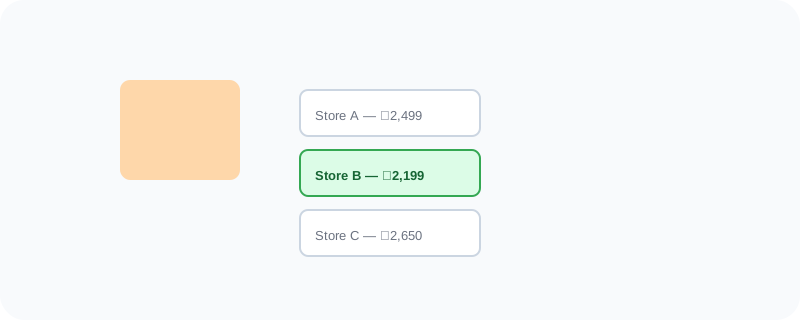
What You Can Actually Do With It
- Compare the same product's price across many different online stores at once
- Filter results by seller rating, shipping speed, or return policy
- Save an item and get notified if its price drops later
- See product reviews pulled together from multiple sources
- Browse by category if you're not sure exactly what you're looking for yet
Who Is This For?
Anyone shopping online who wants to avoid overpaying. People comparing a specific product across different retailers before committing to a purchase. It's especially useful for bigger purchases where a price difference actually matters.
How to Start Using It
- Go to shopping.google.com
- Search for the product you're looking for
- Compare the listed prices and sellers side by side
- Tap the price-tracking option if you want to be notified about future drops
A Simple Way to Think About It
Think of it as walking down a street where every store has the same product in the window, with the price tag visible from where you're standing — no need to walk into each one to check.
Want to see more Google tools for money and shopping? Browse the full Google Universe directory, or read our simple guide to Google Finance next.
📣 Share this article