
Google Finance Explained Simply — Watching the Market Without a Trading App
Google Finance tracks stock prices, market news, and your own watchlist, all for free. Here's what it does, without the financial jargon.
🌐 Translate this article:
⚡ Powered by Google Translate · Original content preserved
You don't need to be actively trading to want to know how a stock or the market in general is doing. Google Finance is a free way to keep an eye on it.
What It Actually Does
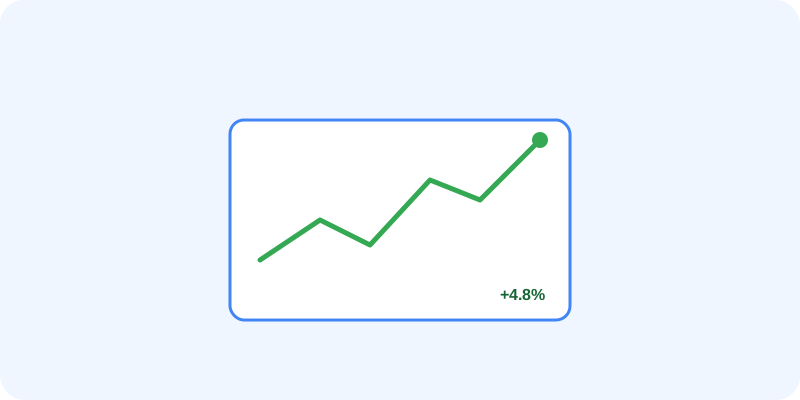
Google Finance shows you the current price of a stock, cryptocurrency, or index, along with a chart showing how it's moved over time. You can build a personal watchlist of companies you care about, and the news feed automatically filters to show stories relevant to those specific companies, instead of generic financial headlines.
What You Can Actually Do With It
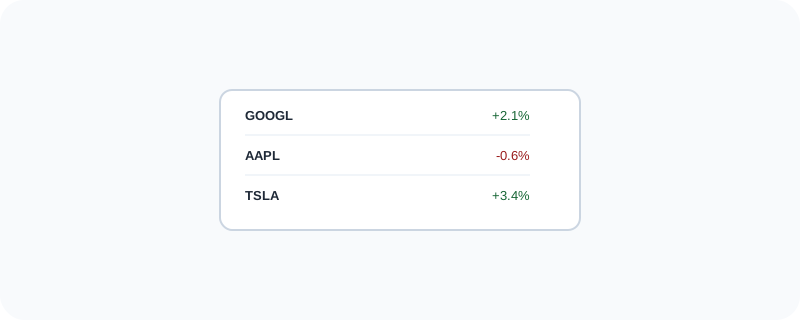
- Check the current price and recent performance of a stock or crypto
- Build a watchlist of the companies or markets you personally care about
- Read news filtered specifically to the companies you're tracking
- Compare how multiple stocks have performed over the same time period
- See a quick snapshot of global markets without logging into a trading platform
Who Is This For?
Anyone curious about how a company or the stock market is doing, without needing to actually buy or sell anything. People who own some investments elsewhere and just want a simple way to check in on them. It's not a place to actually trade — just to watch and stay informed.
How to Start Using It
- Go to google.com/finance
- Search for a company, index, or cryptocurrency by name
- Click the star icon to add it to your personal watchlist
- Check back anytime to see price changes and related news
A Simple Way to Think About It
Think of it as a window you can glance through anytime to check on the companies you care about, without needing to open a full trading account.
Want to see more Google tools for money and shopping? Browse the full Google Universe directory, or read our simple guide to Google Shopping next.
📣 Share this article