
Google Meet Explained Simply — Video Calls Without the Hassle
Google Meet handles meetings, live captions, and even writes notes for you. Here's what it actually does, explained in plain words.
🌐 Translate this article:
⚡ Powered by Google Translate · Original content preserved
Video calls used to mean downloading an app and hoping it worked. Google Meet skips most of that — it just opens in your browser.
What It Actually Does
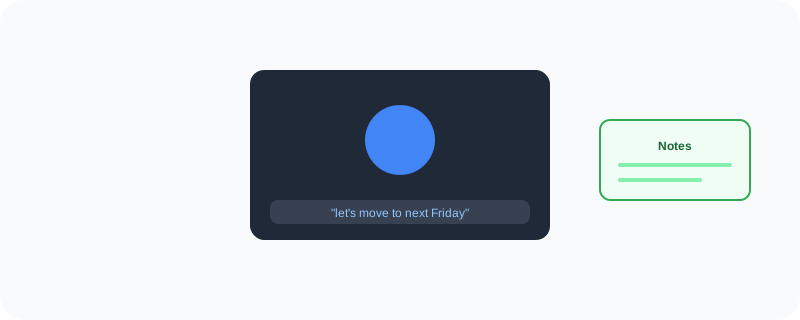
Beyond just showing everyone's video on screen, Meet can turn on live captions so you can read along with what's being said — handy in a noisy room or if someone's accent is hard to catch. It can also automatically write up notes from the meeting, so you're not scrambling to type while also trying to listen.
What You Can Actually Do With It
- Start or join a video call directly from your browser, no download needed
- Turn on live captions in real time during the call
- Get AI-generated notes summarizing what was discussed
- Blur or replace your background without a green screen
- Share your screen so everyone sees exactly what you're looking at
Who Is This For?
Remote teams having daily check-ins. Job seekers doing interviews online. Anyone catching up with family who lives far away. If you've ever needed to talk to someone face-to-face without being in the same room, this is built for exactly that.
How to Start Using It
- Go to meet.google.com
- Sign in with your Google account
- Click "New meeting" to start one, or enter a code to join someone else's
- Turn on captions from the settings icon during the call if you want them
A Simple Way to Think About It
Think of it as a phone call where you can also see each other, read along with captions, and get a written summary afterward — without installing anything extra.
Want to see more Google tools for staying connected? Browse the full Google Universe directory, or read our simple guide to Google Keep next.
📣 Share this article