
Google Keep Explained Simply — Quick Notes That Never Get Lost
Google Keep is for the small stuff — a quick list, a voice memo, a reminder. Here's what it does and why it's worth using, in plain words.
🌐 Translate this article:
⚡ Powered by Google Translate · Original content preserved
Not every thought needs a full document. Sometimes you just need to jot something down fast — a grocery list, a reminder, an idea before you forget it. That's exactly what Google Keep is for.
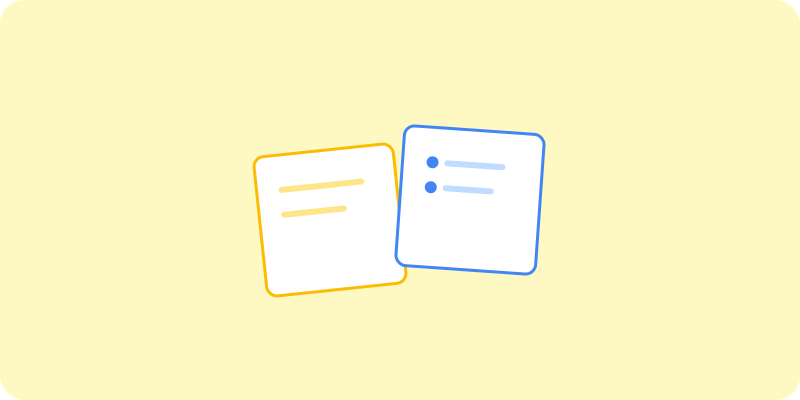
What It Actually Does
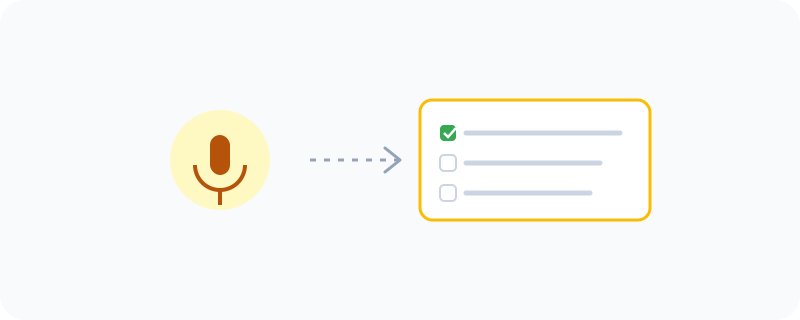
Keep is a simple note-taking app, but it does a few clever things quietly in the background. You can talk into your phone and it will turn your voice into a written note automatically. You can also set a reminder tied to a location, so a note pops up the moment you arrive somewhere — like reminding you to buy milk the second you walk into a supermarket.
What You Can Actually Do With It
- Write a quick note or checklist in seconds
- Record a voice memo that gets automatically typed out as text
- Color-code notes so related ones are easy to spot at a glance
- Set a reminder based on time, or based on a location
- Share a list with someone else, like a shared shopping list
Who Is This For?
Anyone who's ever forgotten something because they didn't write it down fast enough. Parents managing a shared shopping list. Students jotting down a quick idea before class starts. It's built for speed, not for long writing.
How to Start Using It
- Go to keep.google.com
- Sign in with your Google account
- Click the note box and start typing, or tap the microphone to speak instead
- Tap the pin icon to keep an important note at the top
A Simple Way to Think About It
Think of Keep as a pile of sticky notes that never falls off the fridge and never gets lost — and one that can even listen to you talk.
Want to see more small but useful Google tools? Browse the full Google Universe directory, or read our simple guide to Google One next.
📣 Share this article