
Google Fonts Explained Simply — Free, Professional Text Styles for Any Website
Google Fonts gives anyone free access to hundreds of professional fonts for their website, with no licensing fees. Here's how it actually works.
🌐 Translate this article:
⚡ Powered by Google Translate · Original content preserved
Buying a professional font license for a website can get expensive fast. Google Fonts skips that entirely — hundreds of well-designed fonts, completely free to use anywhere.
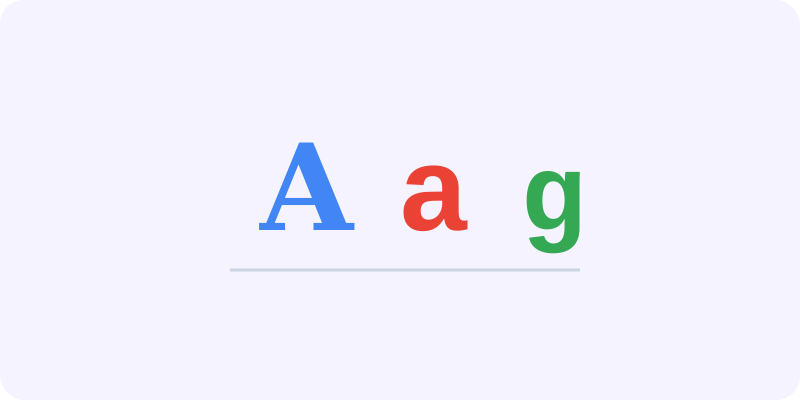
What It Actually Does
Google Fonts hosts a big library of typefaces that anyone can use on a website for free, even for commercial projects. Instead of buying and installing a font file yourself, you just copy a small snippet of code from the website and paste it into your site — the font then loads automatically for every visitor, without them needing to have it installed on their own computer.
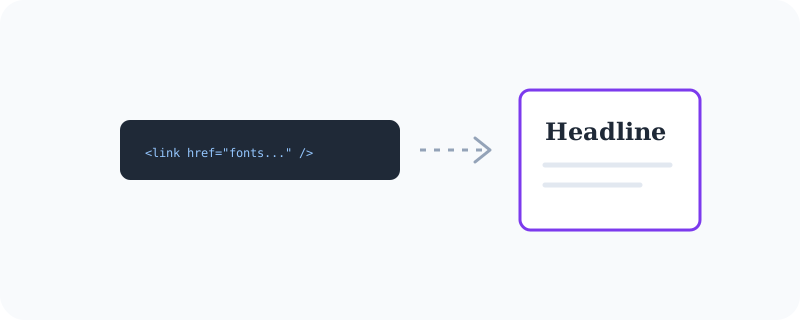
What You Can Actually Do With It
- Browse hundreds of fonts by style, from playful to professional
- Preview exactly how your own text will look in a chosen font before using it
- Copy a single line of code to add any font to your website instantly
- Use variable fonts that let you adjust weight and width with more control
- Use every font completely free, even for commercial and client work
Who Is This For?
Web designers and developers who want their site to look polished without paying font licensing fees. Small business owners building their own website who want it to look professional. Basically anyone building something on the web who cares how the text looks.
How to Start Using It
- Go to fonts.google.com
- Browse or search for a font style you like
- Click "Get font" and copy the embed code it gives you
- Paste that code into your website's HTML, then use the font name in your styling
A Simple Way to Think About It
Think of it as a free wardrobe of typography — instead of paying for one outfit, you get to try on hundreds and use whichever one fits your website best.
Want to see more free tools for building websites? Browse the full Google Universe directory, or read our simple guide to AppSheet next.
📣 Share this article