
AppSheet Explained Simply — Turn a Spreadsheet Into a Real App
AppSheet builds a working mobile app out of a Google Sheet, with no coding needed. Here's what it does and who actually uses it, in plain words.
🌐 Translate this article:
⚡ Powered by Google Translate · Original content preserved
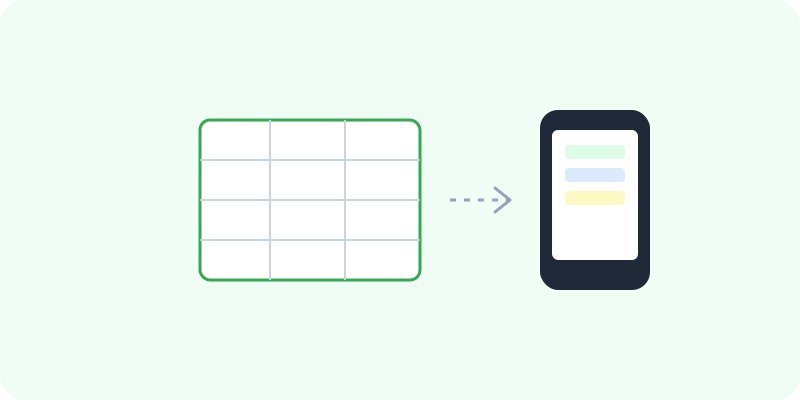
A lot of small businesses run entire processes out of a spreadsheet — tracking inventory, logging deliveries, managing requests. AppSheet takes that same spreadsheet and turns it into an actual app, without anyone writing code.
What It Actually Does
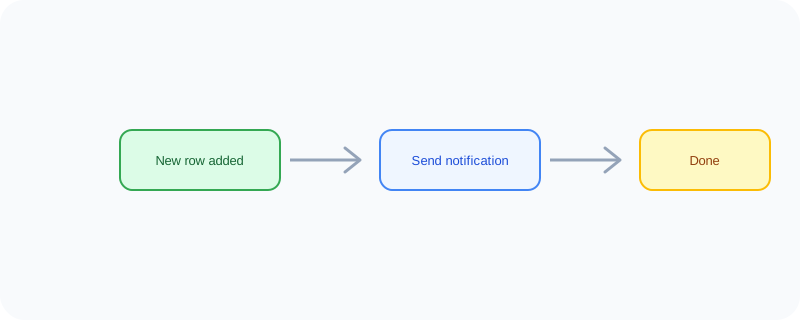
You point AppSheet at a Google Sheet you already have, and it automatically builds a mobile app around it — with forms to add new rows, buttons to update information, and a clean layout, all generated from your existing columns. You can then set up simple rules, like "send a notification when a new row is added," without writing a single line of code.
What You Can Actually Do With It
- Turn an existing Google Sheet into a working app in minutes
- Add data through a proper app form instead of typing into spreadsheet cells
- Set up automatic notifications when something changes
- Let the app work offline, syncing once you're back online
- Share the app with your team without publishing it to an app store
Who Is This For?
Small business owners already tracking things in a spreadsheet who want a proper app on top of it. Teams that need a simple internal tool — like a delivery tracker or inspection checklist — without hiring a developer. Anyone who's outgrown "just use a spreadsheet" but doesn't want to learn to code.
How to Start Using It
- Go to about.appsheet.com
- Sign in with your Google account
- Connect an existing Google Sheet, or start from a template
- Customize the layout and set up any automatic actions you need
A Simple Way to Think About It
Think of your spreadsheet as the skeleton and AppSheet as the skin — it takes the same data and wraps it in something that actually looks and works like a real app.
Want to see more no-code and developer tools? Browse the full Google Universe directory, or read our simple guide to Firebase next.
📣 Share this article