
Google Calendar Explained Simply — Finding a Time That Actually Works
Google Calendar does more than show your schedule — it can find shared free time and add events automatically from your inbox.
🌐 Translate this article:
⚡ Powered by Google Translate · Original content preserved
Scheduling a meeting with someone usually means a few back-and-forth messages just to find a time that works. Google Calendar was built to skip most of that back-and-forth.

What It Actually Does
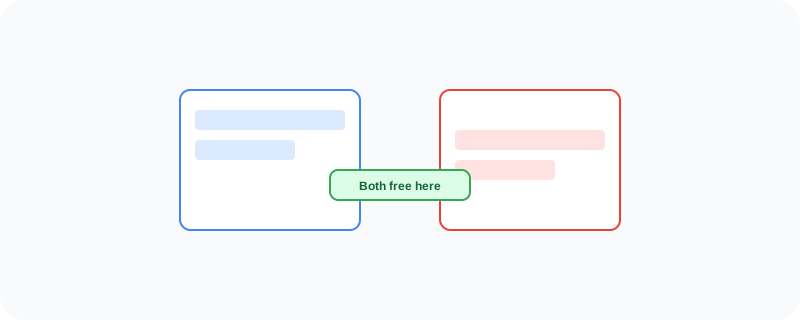
When you share your calendar with teammates, they can see when you're free without you telling them directly. Calendar can also automatically add events it detects in your Gmail, like a flight confirmation or a restaurant booking, so you don't have to enter them manually.
What You Can Actually Do With It
- Share your calendar so others can see your availability
- Get reminders before events start
- Automatically add events detected from Gmail confirmations
- Create multiple calendars for work, personal, and shared use
Who Is This For?
Anyone juggling meetings, appointments, or deadlines. Teams trying to find a shared meeting time without endless messaging. People who book travel or events often and want them tracked automatically.
How to Start Using It
- Go to calendar.google.com
- Create an event by clicking on a date and time
- Share your calendar with a teammate from settings
- Check Gmail confirmations to see events added automatically
A Simple Way to Think About It
Think of it as a shared whiteboard of everyone's schedule, instead of a private notebook only you can see.
Want to see more Google productivity tools? Browse the full Google Universe directory, or read our simple guide to Google Tasks next.
📣 Share this article