
Google Business Profile Explained Simply — Controlling How Your Business Looks on Google
Google Business Profile lets you control your hours, photos, and reviews exactly where customers actually find you first.
🌐 Translate this article:
⚡ Powered by Google Translate · Original content preserved
Most people find a local business through Google before they ever visit its website. Google Business Profile is how that business controls what shows up in that exact moment.
What It Actually Does
Google Business Profile lets a business claim and manage its own listing on Google Search and Maps, including hours, photos, contact details, and reviews. Instead of Google guessing at your hours from old data, you control it directly, and you can respond to customer reviews right from the same dashboard.
What You Can Actually Do With It
- Control business hours, photos, and contact info shown on Maps
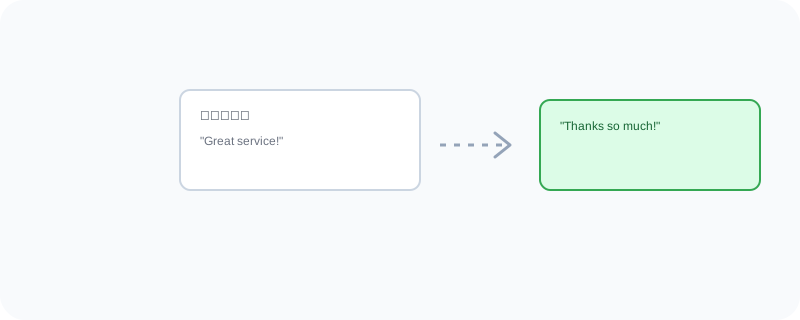
- Respond directly to customer reviews
- Post updates, offers, or announcements to the listing
- See basic insights on how people are finding your business
Who Is This For?
Any local business that wants accurate information showing up when people search for it. Business owners who've noticed outdated hours or missing details on their Google listing.
How to Start Using It
- Go to business.google.com
- Search for your business or add it if it doesn't exist yet
- Verify ownership through the provided verification steps
- Fill in accurate hours, photos, and contact details
A Simple Way to Think About It
Think of it as the front window display of your shop, except this window is the one most customers actually see first — right inside Google Search and Maps.
Want to see more Google marketing tools? Browse the full Google Universe directory, or read our simple guide to Google Ads next.
📣 Share this article