
Google Ads Explained Simply — Getting in Front of People Already Searching
Google Ads lets you pay to appear in search results and on YouTube, targeted at people actively looking for what you offer.
🌐 Translate this article:
⚡ Powered by Google Translate · Original content preserved
Ranking naturally in search results takes time. Google Ads is the option for showing up right away, by paying for the placement instead of waiting for it.
What It Actually Does
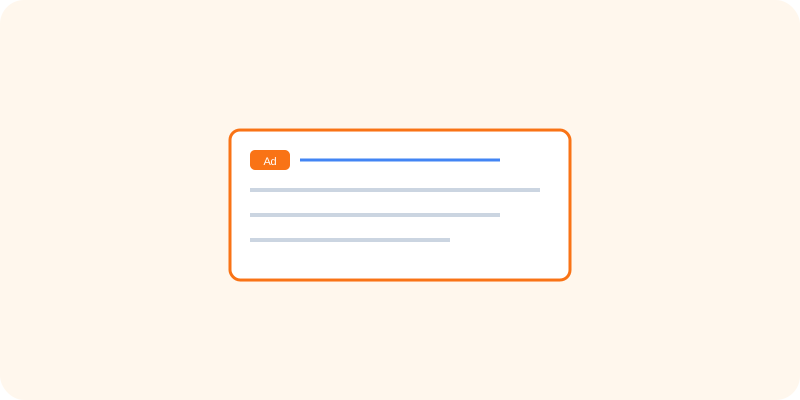
Google Ads lets a business bid on keywords so their listing appears at the top of relevant search results, or run video ads directly on YouTube. You only pay when someone actually interacts with the ad, most commonly by clicking it, and you set a budget cap so spending never goes beyond what you're comfortable with.
What You Can Actually Do With It
- Bid on keywords to appear at the top of relevant search results
- Run video ads that play on YouTube
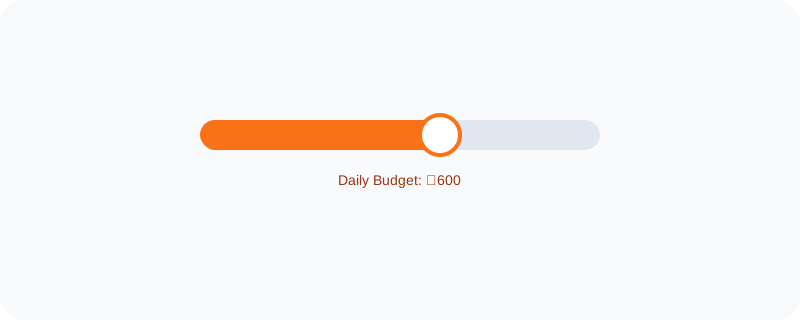
- Set a daily budget so spending stays within a fixed limit
- Track exactly how many clicks and conversions each ad generates
Who Is This For?
Businesses that want visibility right away instead of waiting for organic search rankings to build up. E-commerce sellers wanting to reach people actively searching for a specific product.
How to Start Using It
- Go to ads.google.com
- Set up a campaign and choose your goal, like website visits or calls
- Pick keywords relevant to what you're offering
- Set a daily budget and launch the campaign
A Simple Way to Think About It
Think of it as renting the top spot on a busy street corner, right where people are already looking for exactly what you sell.
Want to see more Google marketing tools? Browse the full Google Universe directory, or read our simple guide to Looker Studio next.
📣 Share this article