
Google Assistant Explained Simply — Talking to Your Devices Instead of Typing
Google Assistant answers questions and controls smart devices just by voice. Here's how it actually fits into your daily routine.
🌐 Translate this article:
⚡ Powered by Google Translate · Original content preserved
Sometimes typing a question is more effort than it should be, especially when your hands are busy. Google Assistant is built for exactly those moments.
What It Actually Does
Google Assistant listens for a wake word or button press, then answers questions, sets reminders, or controls connected smart home devices, all by voice. It's built into phones, smart speakers, and displays, so the same voice commands work whether you're in the kitchen or in the car.
What You Can Actually Do With It
- Ask questions and get spoken answers, hands-free
- Set reminders, alarms, and timers by voice
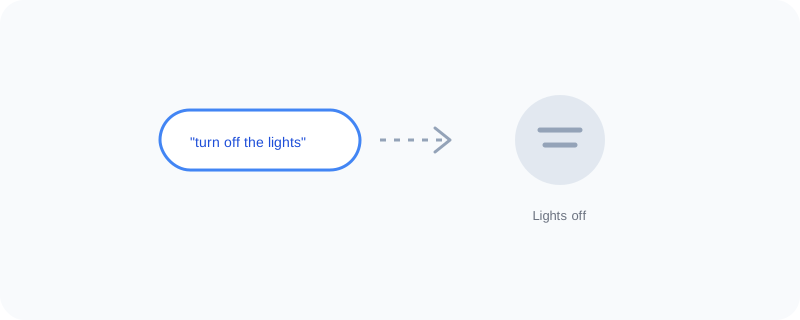
- Control smart lights, thermostats, and plugs
- Play music or read out your calendar for the day
Who Is This For?
Anyone with a smart speaker or smart home devices. People who want quick answers without picking up their phone, like while cooking or driving. It shines most once you've connected a few smart devices to it.
How to Start Using It
- Go to assistant.google.com to learn setup basics
- Say "Hey Google" on a supported device, or hold the home button on your phone
- Ask a question or give a command out loud
- Link smart home devices in the Google Home app to control them by voice
A Simple Way to Think About It
Think of it as a helper who's always listening for the wake word and ready to answer or flip a switch the moment you ask.
Want to see more Google AI tools? Browse the full Google Universe directory, or read our simple guide to Google Lens next.
📣 Share this article