
Google Analytics Explained Simply — Actually Understanding Your Website's Visitors
Google Analytics shows exactly how people find and use your website, instead of guessing based on gut feeling.
🌐 Translate this article:
⚡ Powered by Google Translate · Original content preserved
Owning a website without checking its analytics is a bit like running a shop with the lights off. Google Analytics turns the lights on, showing exactly who's visiting and what they're doing.
What It Actually Does
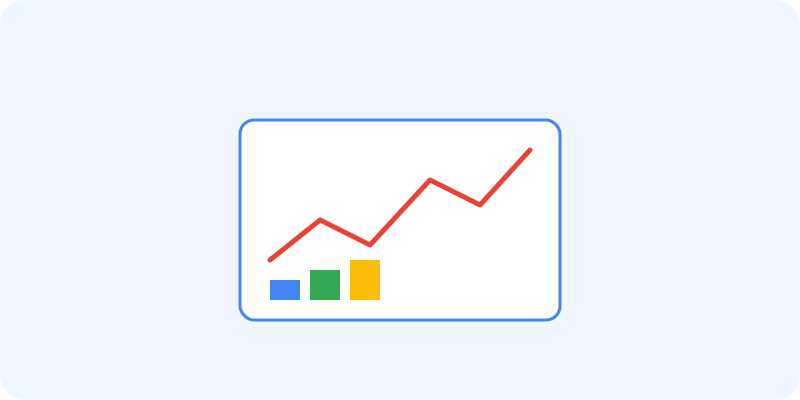
Once a small tracking code is added to a website or app, Analytics starts recording how many people visit, where they came from, and what pages they actually look at. Instead of just a raw number of visitors, you can build custom reports focused on specific goals, like how many people completed a purchase or signed up for something.
What You Can Actually Do With It
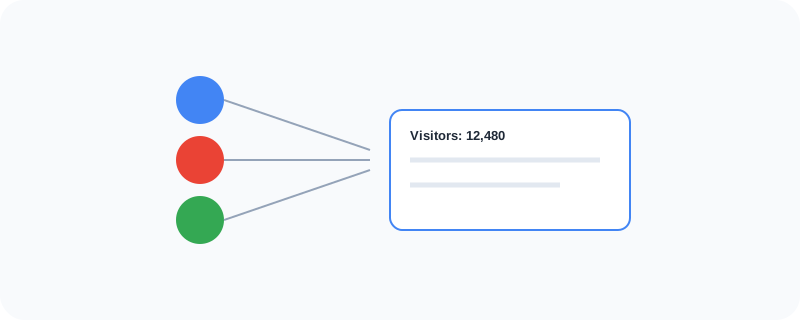
- Track visitor numbers, sources, and on-site behavior
- Build custom reports tied to specific business goals
- See which pages perform best and which ones lose visitors
- Connect directly with Google Ads to measure ad performance
Who Is This For?
Anyone running a website or app who wants real data instead of guesses. Business owners trying to understand whether their marketing is actually working. It has a learning curve at first, but the basics are usable within an afternoon.
How to Start Using It
- Go to analytics.google.com
- Create a property for your website or app
- Add the provided tracking code to your site
- Check back after a few days to start seeing real visitor data
A Simple Way to Think About It
Think of it as a security camera for your website, quietly recording who walks in, where they go, and how long they stay.
Want to see more Google marketing tools? Browse the full Google Universe directory, or read our simple guide to Google Tag Manager next.
📣 Share this article