
Family Link Explained Simply — Giving a Kid Their First Phone, With Real Limits
Family Link lets a parent control what apps a child can use, set screen time limits, and see their location, all remotely.
🌐 Translate this article:
⚡ Powered by Google Translate · Original content preserved
Handing a child their first phone comes with obvious worries — what apps they'll use, how much time they'll spend on it, and whether they're safe. Family Link is Google's answer to managing all three, remotely.
What It Actually Does
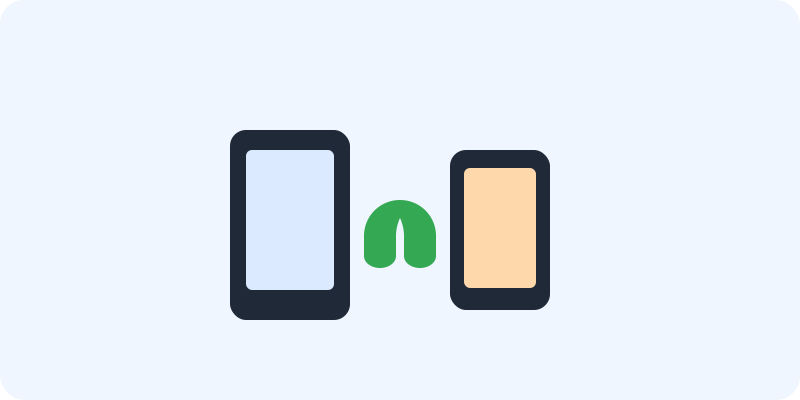
Once set up, Family Link links a child's Android device to a parent's Google account. From there, a parent can approve or block specific apps before the child can even download them, set a daily screen time limit or a device "bedtime," and check the child's approximate location, all from their own phone.
What You Can Actually Do With It
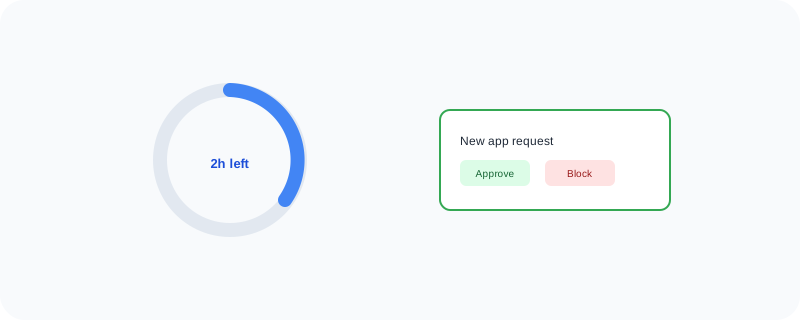
- Approve or block apps before a child can download them
- Set daily screen time limits and a device bedtime
- See your child's approximate location from your own phone
- Manage settings remotely as your child gets older and needs change
Who Is This For?
Parents giving a child their first Android device. Families who want real, enforced limits rather than just asking a kid to "put the phone down."
How to Start Using It
- Go to families.google.com, or download the app
- Create a Family Link account and add your child's device
- Approve the apps you're comfortable with
- Set screen time limits and a bedtime from your own phone
A Simple Way to Think About It
Think of it as holding the keys to a child's phone remotely, so the limits you set actually stick, even when you're not in the room.
Want to see more Google tools for mobile and devices? Browse the full Google Universe directory, or read our simple guide to Chrome Remote Desktop next.
📣 Share this article