
Chrome Remote Desktop Explained Simply — Controlling Another Computer From Anywhere
Chrome Remote Desktop lets you access and control another computer over the internet, right from the Chrome browser, for free.
🌐 Translate this article:
⚡ Powered by Google Translate · Original content preserved
Forgetting a file on your home computer used to mean it just wasn't accessible until you got home. Chrome Remote Desktop lets you reach into that computer from anywhere, for free.
What It Actually Does
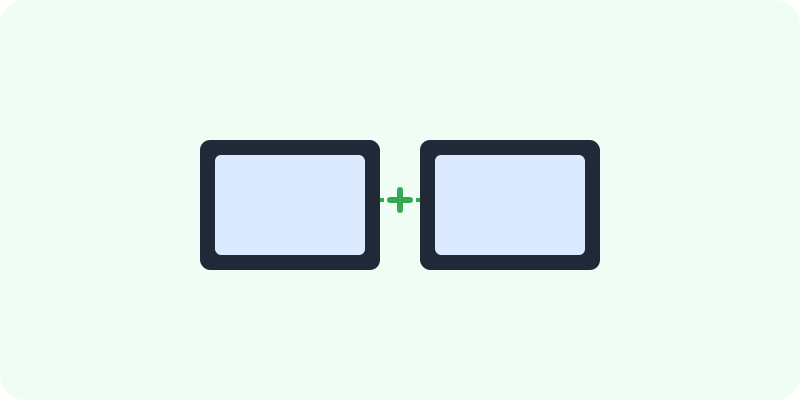
Chrome Remote Desktop lets you connect to another computer over the internet and control it as if you were sitting in front of it — moving the mouse, opening files, running programs. It works entirely through the Chrome browser, so there's no separate paid software to buy, and it works across Windows, Mac, Linux, and ChromeOS.
What You Can Actually Do With It
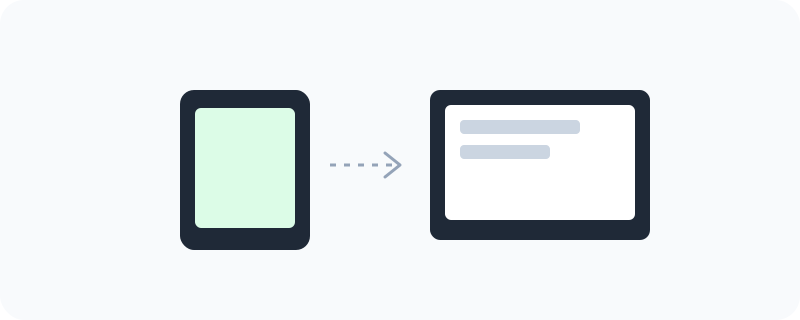
- Access your own computer remotely from any other device
- Give someone else temporary access to help fix a problem
- Control the remote computer fully, including files and installed programs
- Use it across different operating systems without extra software
Who Is This For?
Anyone who occasionally needs a file or program from a computer they're not physically near. People helping a less tech-savvy friend or family member fix something on their computer remotely.
How to Start Using It
- Go to remotedesktop.google.com
- Set up remote access on the computer you want to reach later
- From another device, sign in and connect to that computer
- To help someone else, generate a one-time access code and have them share it with you
A Simple Way to Think About It
Think of it as reaching through the internet and using another computer's mouse and keyboard, as if you never left your desk.
Want to see more Google tools for mobile and devices? Browse the full Google Universe directory, or read our simple guide to Family Link next.
📣 Share this article