
Blogger Explained Simply — Start a Blog Without Any Setup
Blogger is one of the oldest and simplest ways to start writing online for free, with no hosting or technical setup needed. Here's how it works.
🌐 Translate this article:
⚡ Powered by Google Translate · Original content preserved
Before anyone talked about "content creation," people were already blogging on Blogger. It's one of the simplest ways to put your writing online, and it's still free today.
What It Actually Does
Normally, starting a website means buying hosting, picking software, and setting things up technically before you can even write your first sentence. Blogger skips almost all of that. You sign in, pick a simple design, and start typing — your blog is already live on the internet.
What You Can Actually Do With It
- Start writing immediately with no hosting or setup required
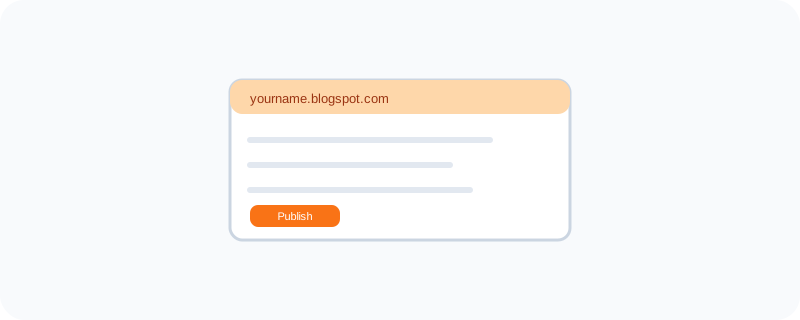
- Get a free address like yourname.blogspot.com, or connect your own domain later
- Choose from ready-made themes so it looks decent without any design skill
- Turn on ads through Google AdSense if you want to earn a little from your writing
- Let readers comment directly on your posts
Who Is This For?
Hobby writers who just want a simple place to post. People starting a small personal blog about a topic they love. Anyone who wants to try blogging without spending money or learning a technical platform first.
How to Start Using It
- Go to blogger.com
- Sign in with your Google account
- Pick a name and address for your blog
- Choose a simple theme and start writing your first post
A Simple Way to Think About It
Think of Blogger as a notebook that's already sitting on the internet — you just open it and start writing, and anyone can read it the moment you hit publish.
Want to see more of Google's simple, everyday tools? Browse the full Google Universe directory, or read our simple guide to Google Vids next.
📣 Share this article