
Google Vids Explained Simply — Turning a Script Into a Video
Google Vids lets you turn a plain script or slide deck into a narrated video, without hiring an editor. Here's what it does, in plain words.
🌐 Translate this article:
⚡ Powered by Google Translate · Original content preserved
Making a training video or presentation video used to mean either hiring an editor or spending hours learning video software. Google Vids is Google's attempt to skip both of those steps.

What It Actually Does
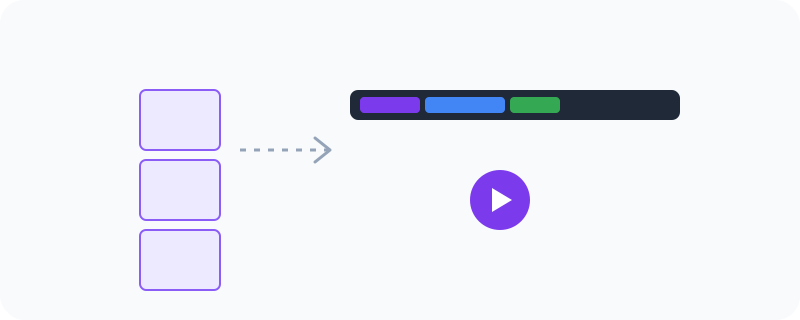
Vids lives inside Google Workspace, right alongside Docs and Slides. You write out what you want to say, pick a template, and it puts together a video complete with an AI-generated voiceover reading your script out loud. You can also pull in slides or documents you already made in Google Docs or Slides, so you're not starting completely from scratch.
What You Can Actually Do With It
- Turn a written script into a video with an AI voiceover, automatically
- Use ready-made templates for training videos, pitch decks, or announcements
- Import Slides or Docs you've already created straight into your video
- Record yourself on camera and mix that with slides in the same video
- Edit everything using simple, Docs-style tools — no complicated timeline software
Who Is This For?
Businesses making internal training videos. Teams putting together a pitch or product announcement. Anyone who needs to explain something on video but doesn't have editing experience or a camera crew.
How to Start Using It
- Go to workspace.google.com/products/vids
- Sign in with your Google Workspace account
- Pick a template that matches what you're making
- Add your script or import a Slides deck, then let it generate the video
A Simple Way to Think About It
Think of it as turning a Google Slides presentation into a video that talks — without needing to record your own voice or hire someone who can edit video.
Want to see more of Google's creative tools? Browse the full Google Universe directory, or read our simple guide to Google Workspace next.
📣 Share this article