
BigQuery Explained Simply — Asking Questions of Huge Piles of Data
BigQuery can search through billions of rows of data in seconds, without you needing to manage any servers. Here's what it actually does, in plain words.
🌐 Translate this article:
⚡ Powered by Google Translate · Original content preserved
Imagine you have a spreadsheet with a billion rows. Regular tools would freeze trying to open it. BigQuery was built specifically to handle that scale — and still answer a question in seconds.
What It Actually Does
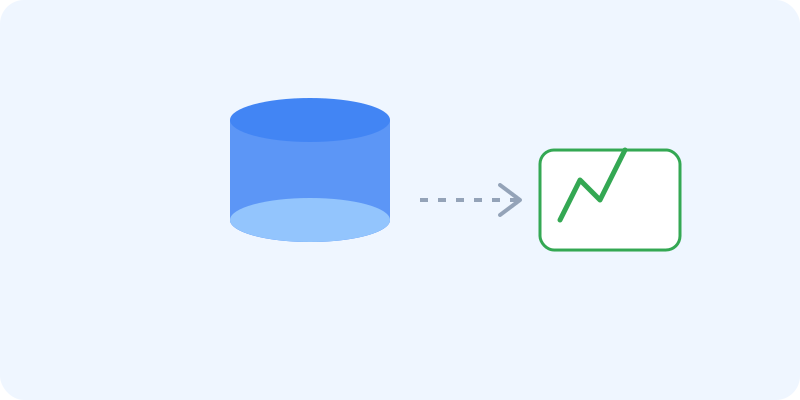
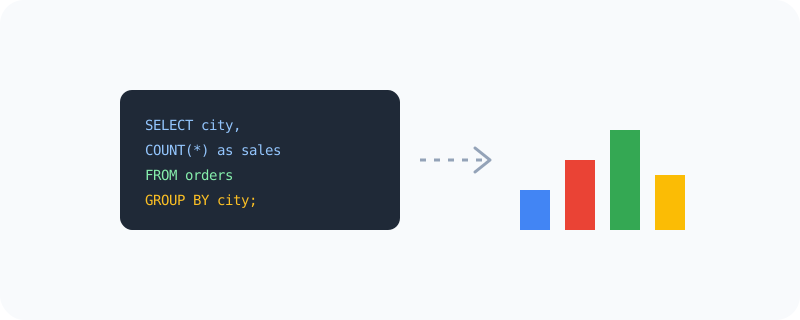
BigQuery stores massive amounts of data and lets you ask questions about it using a language called SQL — things like "how many orders came from each city last month." Because it's built by Google to run across huge amounts of computing power behind the scenes, it can search through enormous datasets almost instantly, without you having to set up or manage a single server yourself.
What You Can Actually Do With It
- Run fast queries across datasets with billions of rows
- Ask questions in SQL, a language widely used for working with data
- Connect results directly to charts and dashboards in Sheets or Looker
- Use built-in machine learning features without needing a separate data science tool
- Pay only for the data you actually process, instead of running a server all the time
Who Is This For?
Data analysts and business teams trying to understand large amounts of company data. Developers building apps that need to process big datasets quickly. It's not really for browsing a small personal spreadsheet — BigQuery starts to shine once the data gets genuinely large.
How to Start Using It
- Go to cloud.google.com/bigquery
- Sign in with a Google Cloud account
- Upload or connect your dataset
- Write a simple SQL query to ask your first question
A Simple Way to Think About It
Think of a huge library with billions of books, and a librarian who can find every book mentioning a specific word within seconds — that's the kind of speed BigQuery brings to enormous amounts of data.
Want to see more Google data and developer tools? Browse the full Google Universe directory, or read our simple guide to D3.js next.
📣 Share this article