
Android Studio Explained Simply — Where Real Android Apps Get Built
Android Studio is the official tool developers use to build, test, and publish real Android apps, with a built-in phone simulator included.
🌐 Translate this article:
⚡ Powered by Google Translate · Original content preserved
Every app on the Play Store had to be written, tested, and packaged somewhere. For most Android apps, that somewhere is Android Studio.

What It Actually Does
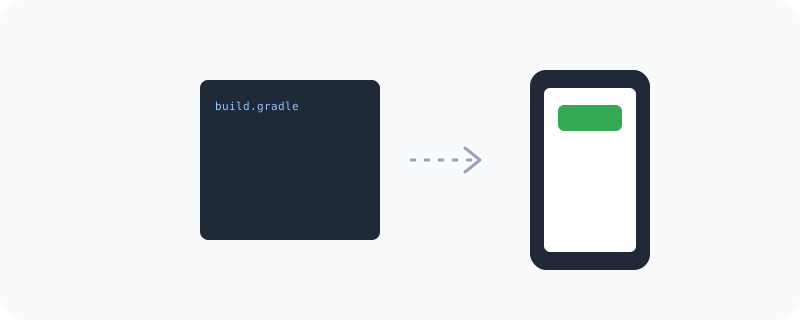
Android Studio is the official development environment for building Android apps — it's where developers write the code, design the screens visually, and test everything before publishing. One of its most useful features is a built-in emulator, which simulates a real Android phone on your computer, so you can test an app without needing an actual physical device.
What You Can Actually Do With It
- Write and organize the code behind a full Android app
- Design app screens visually with a drag-and-drop layout editor
- Test the app on a built-in emulator without needing a real phone
- Debug and profile the app's performance before publishing
Who Is This For?
Developers building a real Android app from scratch. Students learning Android development. It has a real learning curve compared to no-code tools, but it's the standard, official way to build a proper Android app.
How to Start Using It
- Go to developer.android.com/studio
- Download and install it on your computer
- Start a new project using one of the built-in templates
- Run your app on the built-in emulator to see it in action
A Simple Way to Think About It
Think of it as a full workshop for building an Android app, complete with a test phone built right into your computer so you can try it before it ever reaches a real device.
Want to see more Google developer tools? Browse the full Google Universe directory, or read our simple guide to Flutter next.
📣 Share this article