
Flutter Explained Simply — Write Once, Run on Every Device
Flutter lets developers write one app that works on iPhone, Android, and the web, instead of building the same app three separate times.
🌐 Translate this article:
⚡ Powered by Google Translate · Original content preserved
Normally, building an app for iPhone and an app for Android means writing two completely different sets of code — even if the app looks and works exactly the same. Flutter was built to fix that.
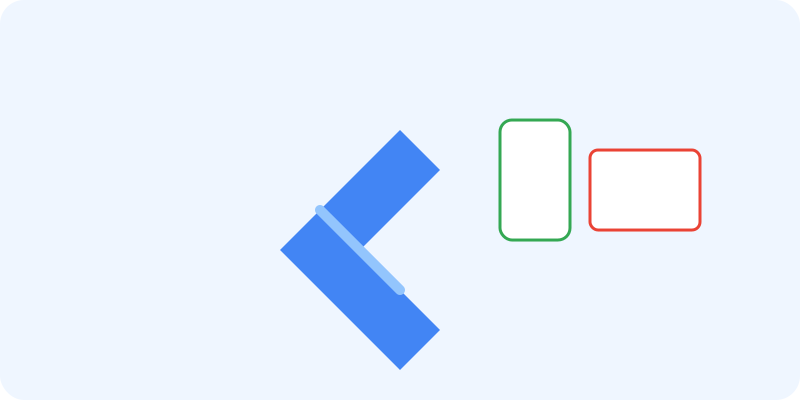
What It Actually Does
Flutter lets a developer write the app once, in a language called Dart, and that same code runs natively on iPhone, Android, the web, and even desktop computers. "Natively" is the key word — it's not just a webpage stretched to fit a phone screen. It behaves and feels like a real app built specifically for that device.
It also has a feature called "hot reload," which lets a developer see a change appear on screen instantly, without restarting the whole app to check if it worked.
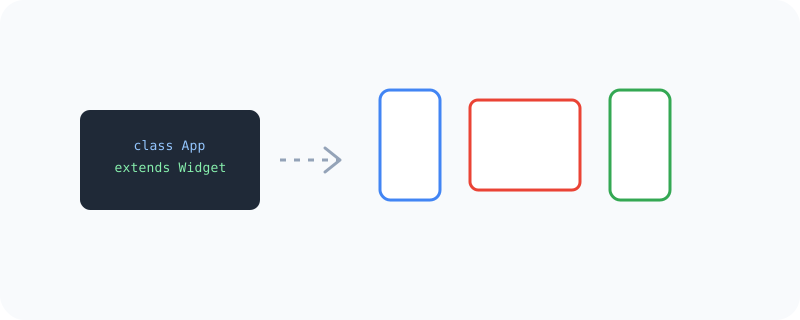
What You Can Actually Do With It
- Build one app that runs natively on iPhone, Android, web, and desktop
- See UI changes appear instantly while coding, thanks to hot reload
- Use a large library of ready-made buttons, menus, and screens
- Get consistent performance across devices, since it's not just a wrapped website
- Ship updates to every platform from one shared codebase
Who Is This For?
App developers who don't want to build and maintain separate iPhone and Android versions of the same app. Startups with a small team who need to move fast across multiple platforms. Students learning app development who want one skill that covers many devices.
How to Start Using It
- Go to flutter.dev
- Follow the setup guide to install Flutter on your computer
- Create a new Flutter project using the command line
- Write your app once, then run it on a phone, browser, or emulator to see it live
A Simple Way to Think About It
Think of it like writing one recipe that automatically adjusts itself to taste perfect whether it's cooked on a gas stove, an electric stove, or a campfire. That's what Flutter does for app development across devices.
Want to see more developer tools from Google? Browse the full Google Universe directory, or read our simple guide to Dart next.
📣 Share this article