
YouTube Studio Explained Simply — The Control Room Behind Every Channel
YouTube Studio is where creators check their numbers, manage comments, and see exactly how their videos are actually performing.
🌐 Translate this article:
⚡ Powered by Google Translate · Original content preserved
Watching YouTube and running a YouTube channel are two completely different experiences. YouTube Studio is the second one — the dashboard creators use behind the scenes.
What It Actually Does
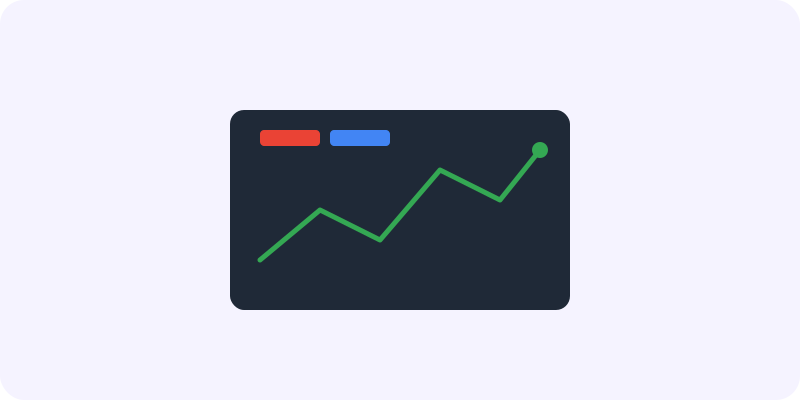
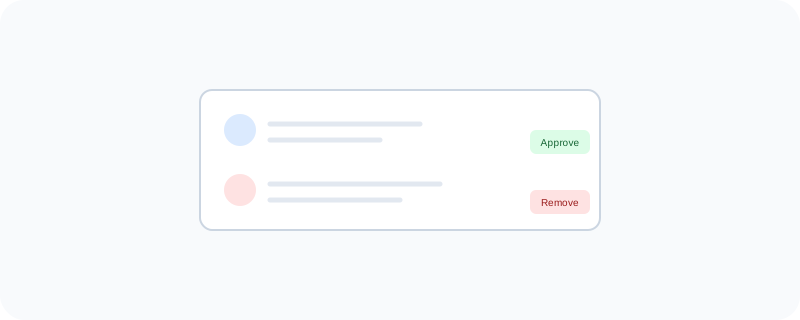
Once you upload a video, Studio shows you exactly how it's performing — how many people watched it, how long they stayed, and where they came from. That kind of detail helps a creator understand what's actually working, instead of just guessing. It also gives you a space to moderate comments, so you can approve, hide, or remove them without digging through the public video page.
What You Can Actually Do With It
- See detailed analytics on views, watch time, and audience retention
- Edit video titles, thumbnails, and descriptions after uploading
- Moderate and reply to comments from one central place
- Trim or make small edits to a video without other software
- Track subscriber growth and figure out which videos brought in new viewers
Who Is This For?
Anyone running a YouTube channel, from a hobbyist posting occasionally to a full-time creator. It's not something regular viewers need to use — it's specifically the backstage area for people making the content, not watching it.
How to Start Using It
- Go to studio.youtube.com
- Sign in with the Google account tied to your channel
- Check the "Analytics" tab to see how your videos are performing
- Use the "Comments" tab to moderate what people are saying
A Simple Way to Think About It
Think of YouTube as the stage, and YouTube Studio as the control room behind it — where you check the lights, read the crowd's reaction, and decide what to do next.
Want to see more tools for creators? Browse the full Google Universe directory, or read our simple guide to YouTube next.
📣 Share this article