
YouTube Music Explained Simply — Songs, Videos, and Live Versions in One App
YouTube Music blends regular streaming with official music videos and live performances, all searchable in one place. Here's how it actually works.
🌐 Translate this article:
⚡ Powered by Google Translate · Original content preserved
Most music apps only give you the audio track. YouTube Music gives you that too, but it also connects you to the official music video, a live performance, or a cover — all from the same search.
What It Actually Does
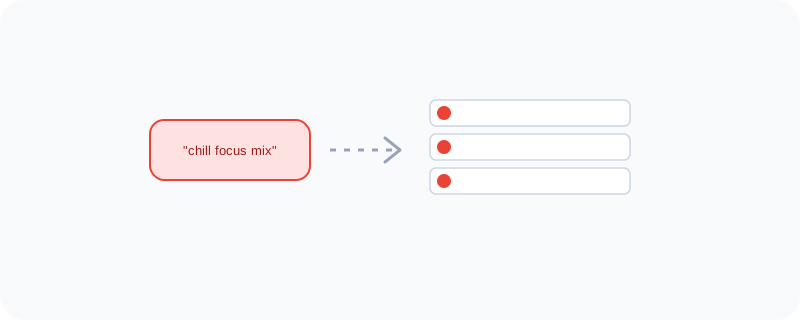
Because it's built on top of YouTube's massive video library, YouTube Music can surface things a normal streaming app can't — like a live concert recording of a song, or a music video, right alongside the regular studio version. It also builds playlists based on your mood or what you're doing, like "focus" or "workout," instead of you having to build one yourself.
What You Can Actually Do With It
- Stream music the normal way, just like any other music app
- Switch to the official music video or a live version of the same song
- Get playlists automatically built around your mood or activity
- Download songs for offline listening without ads (on the paid plan)
- Search using lyrics you remember, even if you don't know the song title
Who Is This For?
Anyone who already uses YouTube and wants their music experience connected to it. Fans who care about watching a live performance or official video, not just hearing the track. If you mainly care about pure audio-only streaming, other apps might feel simpler — but if you like video too, this one covers both.
How to Start Using It
- Go to music.youtube.com, or open the app
- Search for an artist, song, or mood-based playlist
- Tap the song to switch between the regular version and any video version available
- Explore the "Moods & Genres" section for auto-built playlists
A Simple Way to Think About It
Think of a normal music app as just the radio, and YouTube Music as the radio with a TV screen attached whenever you want to actually watch instead of just listen.
Want to see more Google tools for media and entertainment? Browse the full Google Universe directory, or read our simple guide to YouTube next.
📣 Share this article