
What is WebP? The Complete Guide to Google's Modern Image Format
High-quality images can silently destroy your website speed — and your business growth. Google's WebP format solves this with up to 90% smaller file sizes. Here's everything you need to know.
🌐 Translate this article:
⚡ Powered by Google Translate · Original content preserved
What is WebP?
In today's digital era, imagining a website without images is impossible. However, high-quality images can slow down your website — heavily impacting both user experience and business growth.
To eliminate this issue, Google developed the WebP Image Format — a cutting-edge, open-source image format designed to significantly reduce image file sizes while maintaining intact visual quality.
📌 Key Highlights
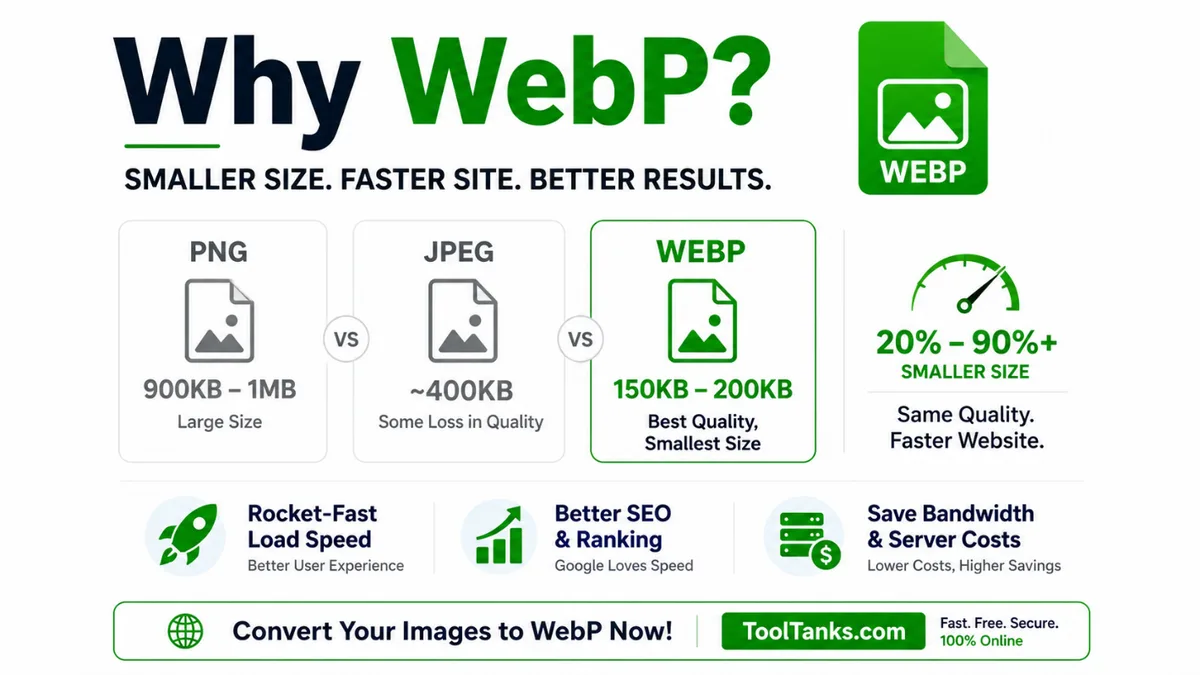
- What is WebP? A cutting-edge, open-source image format that significantly reduces file sizes while maintaining visual quality.
- 20–90%+ Size Savings: WebP offers an average of 20% to 90% smaller file sizes than JPEG and PNG at equivalent quality.
- Lossless and Lossy: WebP masterfully combines Lossless compression for transparent backgrounds and Lossy for photographs.
- Universal Support: More than 97% of modern browsers globally support WebP — Chrome, Safari, Firefox, and Edge.
⚡ Major WebP Benefits
🚀 Rocket-Like Loading Speed
Smaller file sizes drastically decrease server load, ensuring pages render instantly on both mobile and desktop. Users abandon pages that take more than 3 seconds — WebP solves this permanently.
📈 Better SEO and Google Rankings
Google prioritizes website speed in its algorithms. Switching to WebP directly improves Core Web Vitals — especially LCP (Largest Contentful Paint) — boosting your search rankings.
💰 Bandwidth and Cost Savings
Lower image sizes mean reduced server data consumption, cutting your monthly hosting costs. For high-traffic websites, this can mean saving hundreds of dollars monthly.
🔄 A Real Comparison
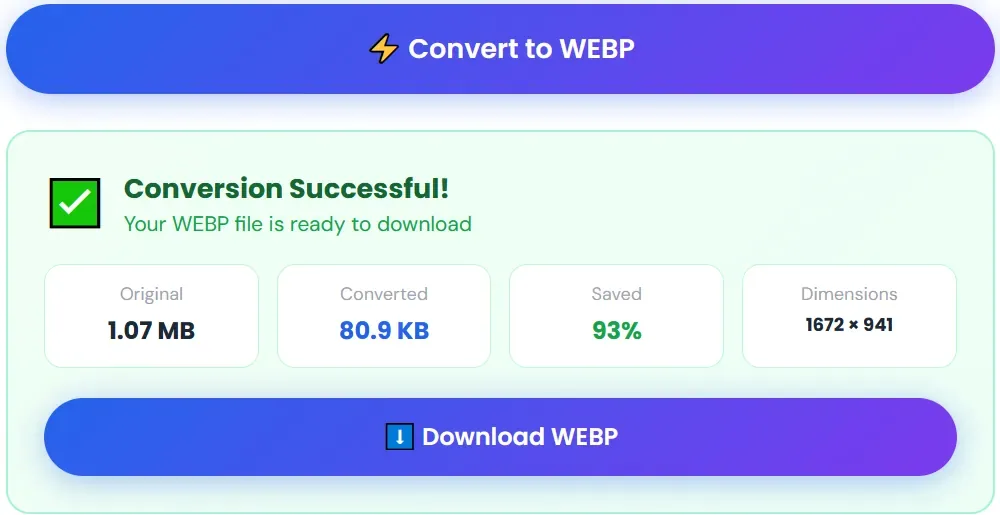
Suppose you have a stunning high-resolution photograph of 1 MB:
- PNG Format: 900 KB to 1 MB — slows down your website significantly
- JPEG Format: ~400 KB — quality loss visible when zoomed
- WebP Format: Just 150–200 KB — sharp, crisp, vibrant quality
That's up to 85% smaller — with zero visible quality loss.
🛠️ Convert to WebP Instantly — ToolTanks
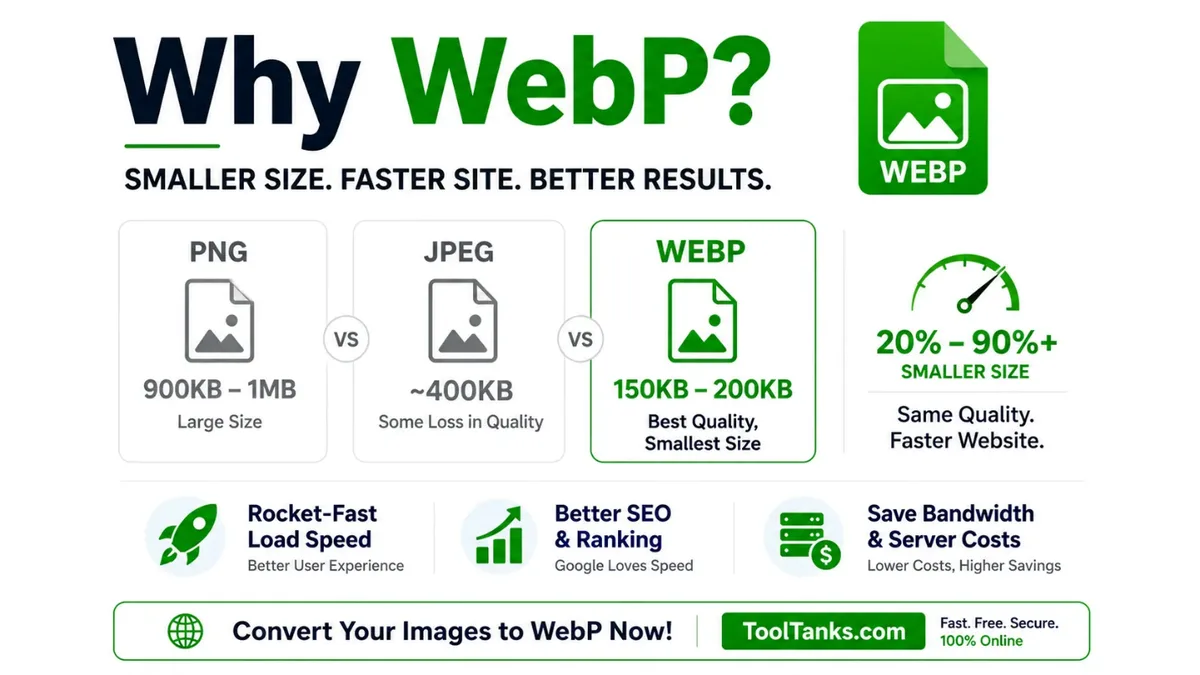
You don't need expensive software. ToolTanks.com offers a seamless, lightning-fast WebP converter:
- ✅ No software installation required
- ✅ 100% free — no account needed
- ✅ Completely private — files auto-deleted after conversion
- ✅ Batch conversion — convert multiple images at once
- ✅ Works on mobile, tablet, and desktop
Conclusion
Speed is the ultimate key to success online.
Switch to WebP today and give your website — and your business — the ultimate competitive edge.
📣 Share this article