
Google Search Console Explained Simply — For Anyone With a Website
If you own a website, Search Console tells you exactly how Google sees it — and what's quietly stopping people from finding it.
🌐 Translate this article:
⚡ Powered by Google Translate · Original content preserved
If you have a website — a blog, a small business site, anything — Search Console is Google's free way of telling you exactly what it thinks of your site. No guessing required.
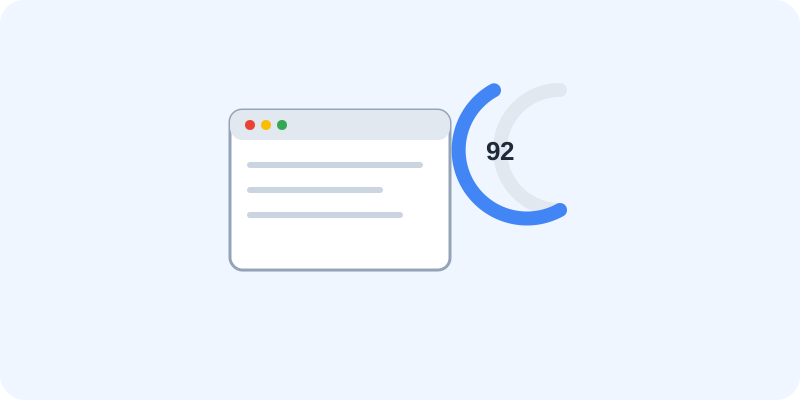
What It Actually Tells You
Have you ever wondered why some pages on your site show up on Google and others don't? Search Console answers that directly. It shows you which pages Google has found, which ones have problems, and even which exact words people typed in to land on your site.
It won't fix the problems for you, but it will point at exactly what's wrong — which is honestly the hardest part.
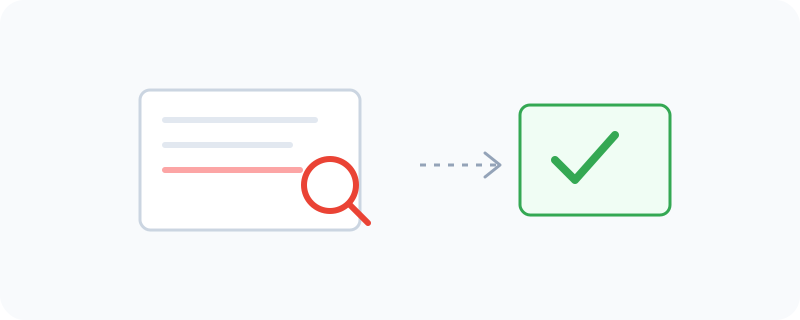
What You Can Do With It
- See exactly how many people found your site through Google, and what they searched for
- Find pages that Google couldn't properly read or access
- Check your average position in search results for specific keywords
- Get notified if Google finds a security issue or manual problem with your site
- Test how a specific page looks to Google, before or after you make changes
Who Is This For?
Anyone who runs a website and wants to understand why (or why not) people are finding it. You don't need to be an SEO expert. If you can read a simple report, you can use Search Console — you'll just need a little patience to understand what each number means at first.
How to Start Using It
- Go to search.google.com/search-console
- Sign in with your Google account
- Add your website by entering its domain
- Verify that you own the site (usually by adding a small code snippet, or through your domain provider)
- Wait a few days for data to start showing up, then explore the reports
A Simple Way to Think About It
Think of your website as a shop, and Search Console as the report Google hands you saying, "Here's who walked past, who came in, and here's the door that's stuck shut." It's not glamorous, but it's genuinely useful.
Want to see how Search Console fits with Google's other tools? Browse the full Google Universe directory, or read our simple guide to Google Search next.
📣 Share this article