
Play Store Explained Simply — Where Every Android App Comes From
The Play Store is where Android apps, games, and media get installed and kept up to date. Here's what it actually does behind the scenes.
🌐 Translate this article:
⚡ Powered by Google Translate · Original content preserved
Every app on an Android phone has to come from somewhere. For almost everyone, that somewhere is the Play Store.

What It Actually Does
The Play Store is the official place to download apps, games, movies, and books onto an Android device. Beyond just installing things, it quietly checks each app for known malicious behavior before letting you install it, and it keeps your installed apps updated automatically in the background, so you're not stuck running an old, buggy version.
What You Can Actually Do With It
- Download apps, games, movies, books, and more onto your device
- Get automatic updates for installed apps without manually checking each one
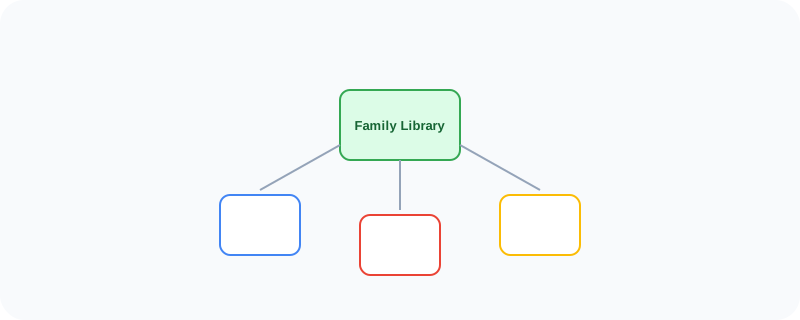
- Use Family Library to share purchased apps with people in your household
- Rely on Play Protect scanning to catch harmful apps before installation
- Manage and uninstall apps you no longer use, all from one place
Who Is This For?
Everyone with an Android device — there's really no way around using it, since it's the main source for installing apps. It's especially useful for families who want to share purchased apps instead of buying the same one multiple times.
How to Start Using It
- Open the Play Store app that comes pre-installed on your Android device
- Search for an app, game, or piece of media
- Tap install, and it will download and set itself up automatically
- Check your settings to turn on Family Library if you want to share purchases
A Simple Way to Think About It
Think of it as the front door to everything your Android phone can do beyond what it came with — every app you'll ever install passes through here first.
Want to see more Google tools for mobile and devices? Browse the full Google Universe directory, or read our simple guide to Android next.
📣 Share this article