
Marketing Platform Explained Simply — Running Big Campaigns From One Place
Google Marketing Platform bundles enterprise advertising and analytics tools together, so big marketing teams aren't juggling five separate logins.
🌐 Translate this article:
⚡ Powered by Google Translate · Original content preserved
Running ads on one platform is manageable. Running ads across ten platforms, and trying to measure all of it together, is where most marketing teams start to struggle. That's the specific problem Marketing Platform is built to solve.
What It Actually Does
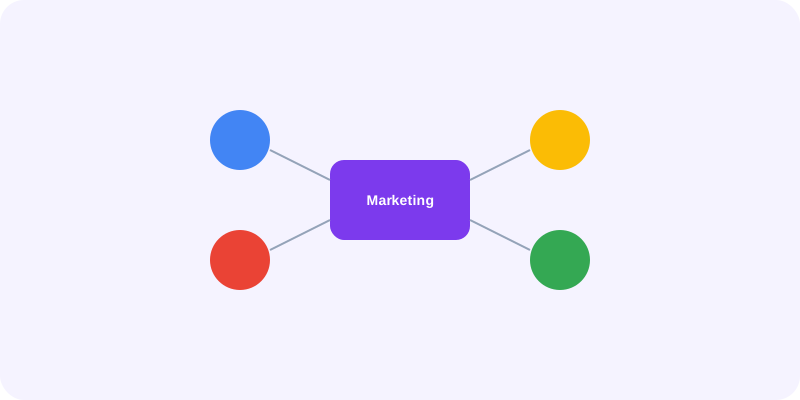
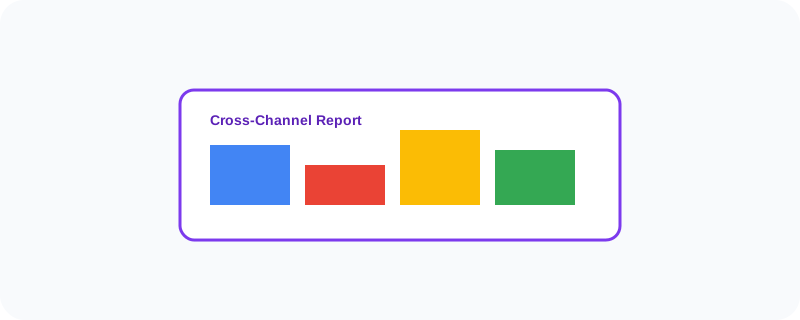
Marketing Platform bundles several of Google's enterprise advertising and analytics tools under one login, so a marketing team can plan, run, and measure campaigns across different channels without switching between five separate systems. Instead of one report from each ad platform, it pulls everything into one unified view — so a marketer can actually compare how a display ad campaign performed against a video campaign, side by side.
What You Can Actually Do With It
- Manage advertising campaigns across multiple channels from one place
- See unified reporting instead of separate reports per platform
- Track which marketing touchpoints actually led to a sale or signup
- Segment audiences in detail for more targeted campaigns
- Connect directly with data tools like BigQuery for deeper analysis
Who Is This For?
Larger marketing teams and agencies running campaigns across several channels at once. It's genuinely built for enterprise-scale advertising — a small business running one simple ad campaign probably won't need this level of tooling.
How to Start Using It
- Go to marketingplatform.google.com
- Sign in with a Google account tied to your business
- Connect the specific tools your team needs, like Analytics or Campaign Manager
- Set up unified reporting across your connected channels
A Simple Way to Think About It
Think of it as a control tower for advertising — instead of five separate radios for five separate teams, everyone is looking at the same shared screen.
Want to see more Google tools for business and marketing? Browse the full Google Universe directory, or read our simple guide to AdMob next.
📣 Share this article