
Google Translate Explained Simply — More Than Just Typing Words
Google Translate can read a menu through your camera, listen to a conversation, and translate it live. Here's what it can really do, in plain language.
🌐 Translate this article:
⚡ Powered by Google Translate · Original content preserved
Most people only know one thing about Google Translate: type a word, get it in another language. That's true, but it can do a lot more than that.
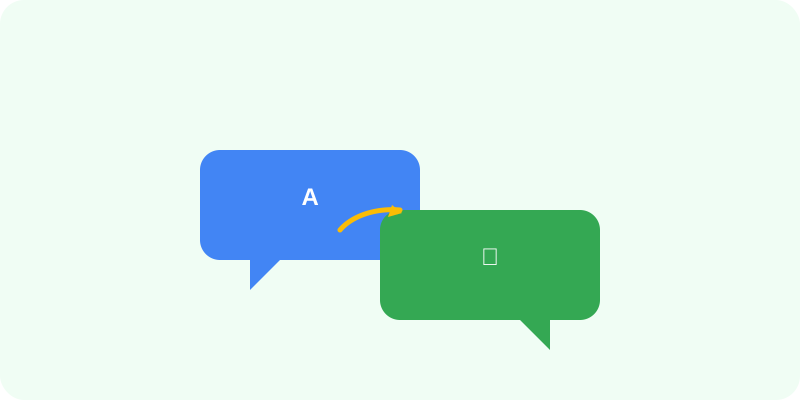
What It Can Actually Do
Beyond typing text, Google Translate can point your phone's camera at a sign, menu, or label and instantly show you the translated words right on the screen — no typing needed. It can also listen to someone speaking and translate what they say out loud, almost like a real-time conversation helper.
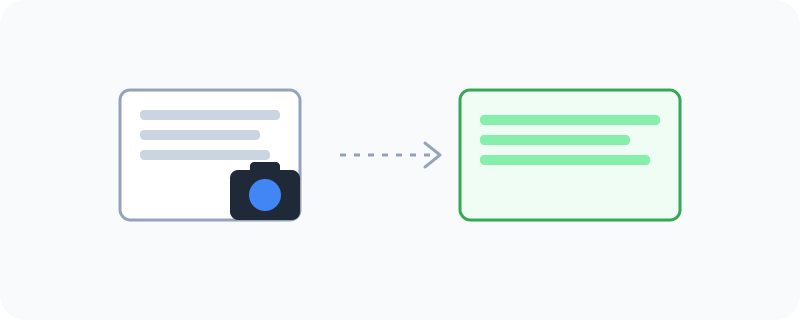
What You Can Do With It
- Type or paste text to translate between over 100 languages
- Use the camera to translate signs, menus, or labels instantly
- Have a real, back-and-forth spoken conversation using Conversation Mode
- Download a language pack so it still works without internet
- Listen to how a word or sentence is actually pronounced
Who Is This For?
Travelers who don't speak the local language. Students learning a new language. Anyone trying to read a label, a letter, or a menu written in a language they don't understand. It's one of those tools you don't think about — until the one day you really need it.
How to Start Using It
- Go to translate.google.com, or open the app on your phone
- Type text, or tap the microphone to speak, or tap the camera to scan something
- Choose the language you want to translate into
- Read, listen to, or share the translation
A Simple Way to Think About It
Imagine carrying a translator in your pocket who reads signs for you and can also chat with someone else on your behalf. That's basically what this app does.
Want to explore more Google tools like this one? Check out the full Google Universe directory, or read our simple guide to Google Search next.
📣 Share this article