
Google Stitch Explained Simply — Turning a Sentence Into a UI Design
Google Stitch takes a text description and turns it into a real, editable UI design with code attached. Here's how it actually works.
🌐 Translate this article:
⚡ Powered by Google Translate · Original content preserved
Designing a screen for an app usually starts with a blank canvas. Google Stitch skips that blank-canvas problem by starting from a sentence instead.
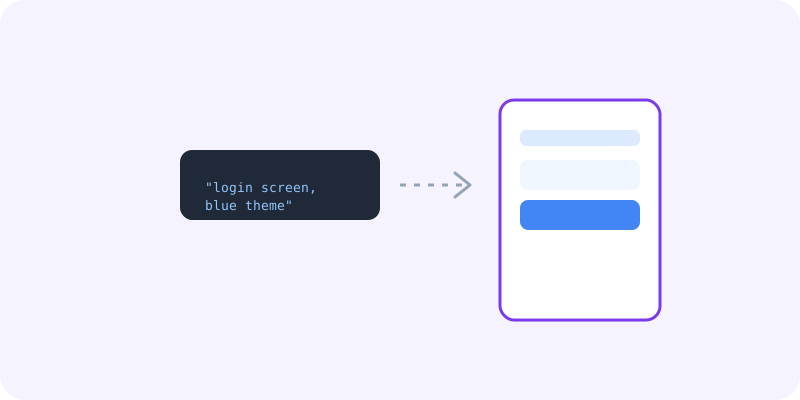
What It Actually Does
You describe the screen you want — like "a login page with a blue theme" — and Stitch generates a real UI design based on that description, not just a rough sketch. You can then keep refining it with follow-up prompts, like "make the button bigger," and it adjusts the design instead of starting over.
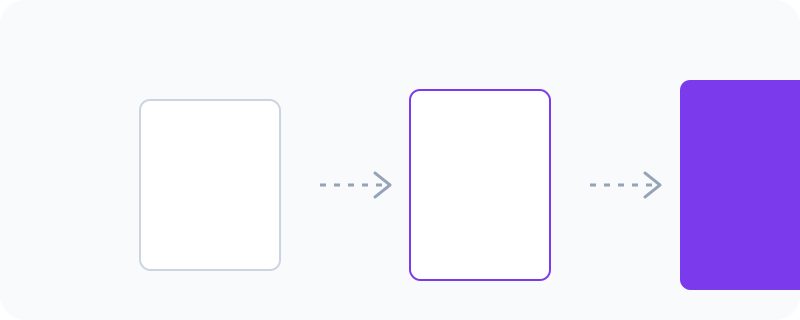
What You Can Actually Do With It
- Generate a full UI screen from a plain-language description
- Refine a design through follow-up prompts instead of rebuilding it
- Export the design along with usable front-end code
- Try multiple design directions quickly before settling on one
Who Is This For?
Developers who aren't confident designers but need a decent-looking UI fast. Designers who want a quick starting point instead of a blank canvas. It's especially useful early in a project, before all the details are locked in.
How to Start Using It
- Go to stitch.withgoogle.com
- Describe the screen or app you want to design
- Review the generated design and refine it with more prompts
- Export the design and code once you're happy with it
A Simple Way to Think About It
Think of it as describing a room to an interior designer and getting a real layout back, instead of drawing the room yourself from scratch.
Want to see more Google AI tools? Browse the full Google Universe directory, or read our simple guide to Google AI Studio next.
📣 Share this article