
Google Sites Explained Simply — A Website Without Writing a Line of Code
Google Sites lets you build a simple website by dragging and dropping blocks, with your Docs and Sheets embedded directly in.
🌐 Translate this article:
⚡ Powered by Google Translate · Original content preserved
Not every website needs a developer or a paid platform. Google Sites is built for the simple ones — an internal team page, a personal portfolio, an event page — using nothing but drag-and-drop.

What It Actually Does
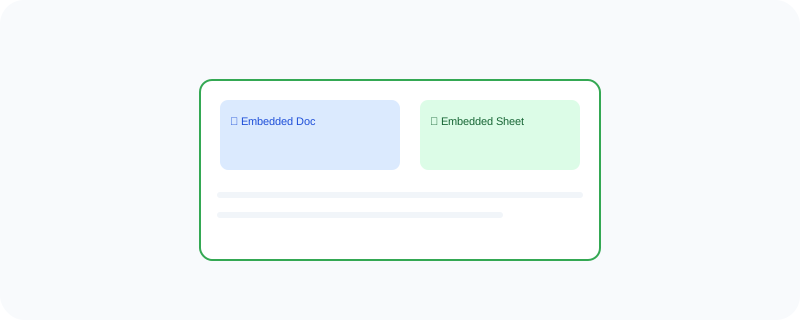
You pick blocks — text, images, buttons — and drag them onto a page to build your layout, without touching any code. One of its more useful tricks is that you can embed a live Google Doc, Sheet, or Calendar directly into the page, so it stays updated automatically whenever the original file changes.
What You Can Actually Do With It
- Build a simple website using drag-and-drop, with no coding
- Embed live Docs, Sheets, or Calendars directly into a page
- Host the site for free, with an option to connect a custom domain
- Control who can view or edit the site, just like a Google Doc
Who Is This For?
Teams that need a simple internal page without hiring a developer. People building a basic personal or event website. It's not meant for a complex e-commerce site — for that, a dedicated website builder is a better fit.
How to Start Using It
- Go to sites.google.com
- Click the "+" to start a new site
- Drag blocks onto the page to build your layout
- Click "Publish" when you're ready to make it live
A Simple Way to Think About It
Think of it as arranging sticky notes on a board to build a webpage, instead of writing code to place everything by hand.
Want to see more Google Workspace tools? Browse the full Google Universe directory, or read our simple guide to Google Forms next.
📣 Share this article