
Google Patents Explained Simply — Checking If an Idea Already Exists
Google Patents lets anyone search millions of patent filings for free, to see if an idea has already been invented or protected.
🌐 Translate this article:
⚡ Powered by Google Translate · Original content preserved
Before spending months building something, it helps to know whether someone else already patented the same idea. Google Patents makes that kind of search free and open to anyone, not just lawyers.
What It Actually Does
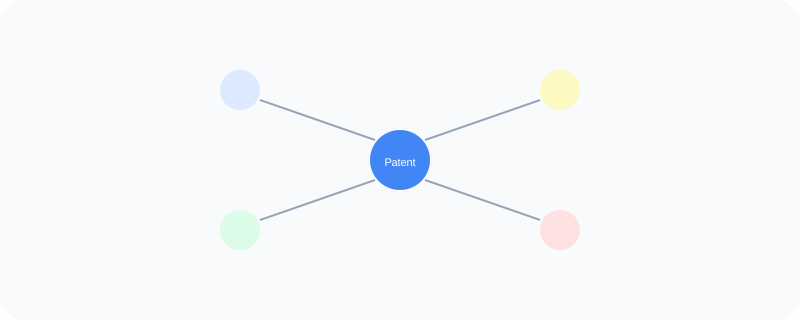
Google Patents is a searchable database of millions of patent filings from patent offices around the world. You can search by keyword, inventor, or company, and see the full text of a patent, including its diagrams and the legal claims it's protecting. It also shows a citation graph, so you can see which other patents reference the one you're looking at, and which ones it references in turn.
What You Can Actually Do With It
- Search patent filings by keyword, inventor name, or company
- Read the full text and diagrams of a specific patent for free
- See related patents through citation links
- Check the current legal status of a patent, like whether it's active or expired
- Search across patent offices from multiple countries in one place
Who Is This For?
Inventors and entrepreneurs checking if their idea already exists before investing time and money into it. Students and researchers exploring the history of a particular technology. It's not a substitute for real legal advice on patenting something, but it's a solid first step for research.
How to Start Using It
- Go to patents.google.com
- Search using a keyword describing your idea, or a specific patent number
- Open a result to read the full filing and see its diagrams
- Check the citation section to explore related patents
A Simple Way to Think About It
Think of it as a massive, searchable library of every idea that's ever been formally protected — a good first stop before assuming your idea is completely new.
Want to see more Google research and business tools? Browse the full Google Universe directory, or read our simple guide to AdMob next.
📣 Share this article