
Google News Explained Simply — One Story, Every Point of View
Google News pulls the same story from thousands of publishers, so you can see how different sources are covering it, side by side.
🌐 Translate this article:
⚡ Powered by Google Translate · Original content preserved
Checking the news usually means picking one site and only seeing their version of a story. Google News takes a different approach — it gathers the same story from many publishers and lays them out together.

What It Actually Does
Google News is an automated system, meaning no human is manually picking every headline — it scans thousands of publishers and organizes the biggest stories by topic. One especially useful feature is "Full Coverage," which shows you several different articles about the exact same event, from different outlets, so you're not stuck with just one perspective.
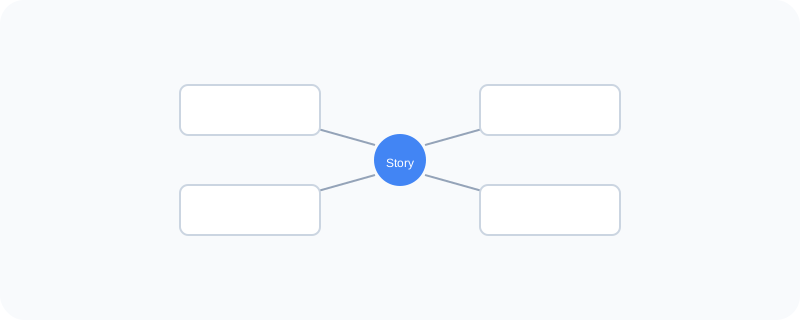
What You Can Actually Do With It
- Get a personalized "For You" feed based on topics you actually read
- Open "Full Coverage" to compare how different outlets are reporting the same story
- Follow specific topics so related stories keep showing up
- See local news relevant to where you are
- Save stories to read again later
Who Is This For?
Anyone who wants a broader view of current events instead of relying on just one news source. People who want to quickly compare how different outlets are framing the same story.
How to Start Using It
- Go to news.google.com
- Browse your personalized "For You" feed, or search a specific topic
- Click "Full Coverage" under a story to see it from multiple sources
- Follow a topic to keep seeing updates about it
A Simple Way to Think About It
Think of it as a newsstand that automatically lays out every publisher's take on today's biggest story, right next to each other, instead of you walking to five different shops.
Want to see more Google tools for media and information? Browse the full Google Universe directory, or read our simple guide to Google Photos next.
📣 Share this article