
Google Home Explained Simply — One App for Every Smart Device in Your House
The Google Home app controls your Nest cameras, thermostats, and speakers from a single place, instead of a separate app per brand.
🌐 Translate this article:
⚡ Powered by Google Translate · Original content preserved
Smart home gadgets are great until you end up with five different apps just to control your own house. The Google Home app is built to bring all of that into one place.
What It Actually Does
The Google Home app controls Nest cameras, thermostats, speakers, and other compatible smart devices from a single dashboard. You can also set up routines — like "Good Morning" — that trigger several devices at once, such as turning on lights and reading out the weather, all from one command.
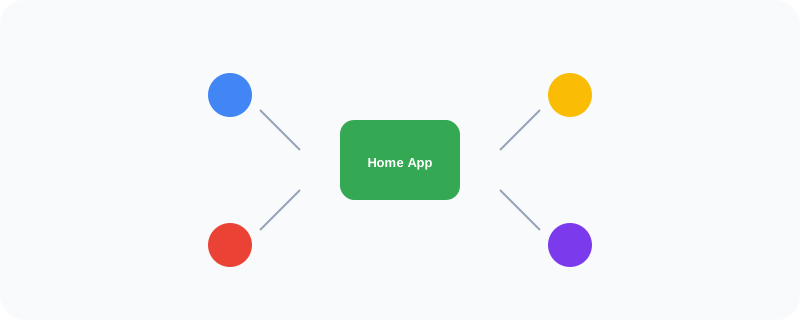
What You Can Actually Do With It
- Control Nest thermostats, cameras, and speakers from one app
- Set automated routines triggering multiple devices at once
- View live camera footage and get remote alerts
- Add and organize devices by room for easier control
Who Is This For?
Anyone building out a smart home with more than one connected device. People tired of switching between separate apps for their thermostat, cameras, and speakers.
How to Start Using It
- Go to home.google.com, or download the app
- Sign in with your Google account
- Add your Nest and compatible smart devices
- Set up a routine to control several devices with one tap or voice command
A Simple Way to Think About It
Think of it as one remote control for an entire house full of different smart gadgets, instead of a separate remote for each one.
Want to see more Google mobile and hardware tools? Browse the full Google Universe directory, or read our simple guide to Google Voice next.
📣 Share this article