
Google Flights Explained Simply — Find a Cheap Flight Without the Guesswork
Google Flights shows you the cheapest days to fly and tells you when a price drops. Here's how to actually use it well, in plain words.
🌐 Translate this article:
⚡ Powered by Google Translate · Original content preserved
Flight prices change constantly, and guessing the cheapest day to fly usually means opening ten browser tabs. Google Flights was built to end that guessing game.

What It Actually Does
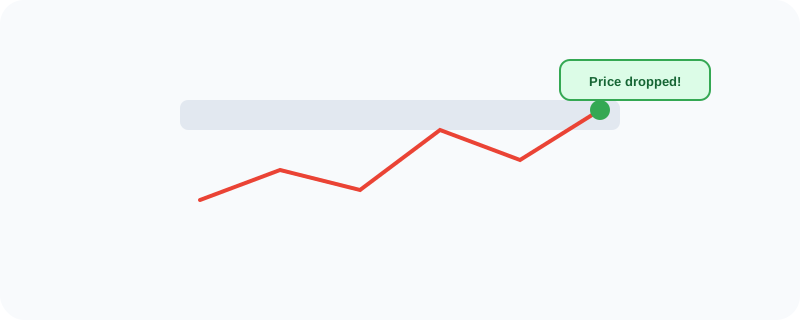
Instead of searching one date at a time, Flights can show you a whole grid of dates side by side, with the price for each one — so you can immediately spot the cheapest day to fly instead of checking date by date. It also lets you track a specific route, and it'll notify you if the price drops, so you don't have to keep checking manually.
What You Can Actually Do With It
- Compare prices across a whole range of dates at once, not just one at a time
- Get notified automatically if a tracked flight's price drops
- Search "anywhere" from your city to see which destinations are cheapest right now
- Compare multiple airlines and routes side by side
- Plan multi-city trips instead of just simple round trips
Who Is This For?
Anyone booking a flight who doesn't want to overpay. Flexible travelers who can pick their dates based on price. People planning ahead who want to track a fare and wait for a good deal instead of booking the first price they see.
How to Start Using It
- Go to google.com/flights
- Enter where you're flying from and to
- Switch to the date grid view to compare prices across different days
- Click the bell/track icon on a specific flight to get notified if the price changes
A Simple Way to Think About It
Think of it as having someone constantly watching flight prices for you and only tapping you on the shoulder the moment there's a good deal.
Want to see more Google tools for travel? Browse the full Google Universe directory, or read our simple guide to Google Travel next.
📣 Share this article