
Google Colab Explained Simply — Running Python Code Without Installing Anything
Google Colab lets you write and run Python code in your browser, with free access to powerful hardware for machine learning.
🌐 Translate this article:
⚡ Powered by Google Translate · Original content preserved
Setting up Python and machine learning tools on your own computer can be a whole project by itself. Google Colab skips that setup entirely by running everything in your browser.
What It Actually Does
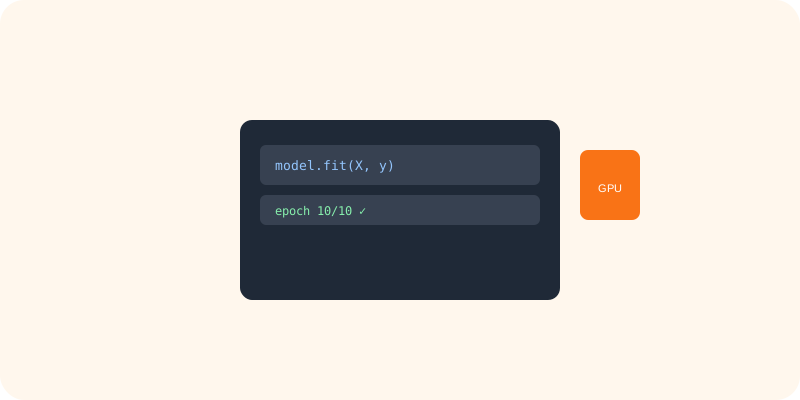
Colab gives you a "notebook" — a mix of code and notes — that runs entirely on Google's servers, not your own computer. That means you can use powerful hardware like GPUs for free, which is especially useful for training machine learning models, without needing that hardware yourself. Notebooks save automatically to Google Drive, making them easy to share with others.

What You Can Actually Do With It
- Write and run Python code directly in your browser
- Get free access to GPUs for training machine learning models
- Save and share notebooks through Google Drive
- Mix code, notes, and charts in a single readable document
Who Is This For?
Students and hobbyists learning Python or machine learning without wanting to set up a local environment. Researchers who need occasional access to powerful hardware without owning it. It's less suited for large, long-running production systems.
How to Start Using It
- Go to colab.research.google.com
- Sign in with your Google account
- Create a new notebook and start writing Python code
- Turn on GPU access from the runtime settings if you need it
A Simple Way to Think About It
Think of it as borrowing someone else's fully equipped computer lab for free, just by opening a browser tab.
Want to see more Google developer tools? Browse the full Google Universe directory, or read our simple guide to Project IDX next.
📣 Share this article