
Google Cloud Console Explained Simply — Running Real Servers From a Browser Tab
Google Cloud Console lets you launch and manage actual servers, storage, and databases, all from one web dashboard.
🌐 Translate this article:
⚡ Powered by Google Translate · Original content preserved
Running a website or app for a lot of people usually means real servers somewhere. Google Cloud Console is the dashboard where you control all of that, without ever touching physical hardware.
What It Actually Does
Cloud Console is the web-based control panel for Google Cloud, Google's cloud computing platform. From here, you can launch a virtual server, set up storage for files, or spin up a database, all through a browser instead of setting up physical machines. It also shows you exactly how much you're spending across every service, so costs don't quietly creep up unnoticed.
What You Can Actually Do With It
- Launch and manage virtual servers, storage, and databases
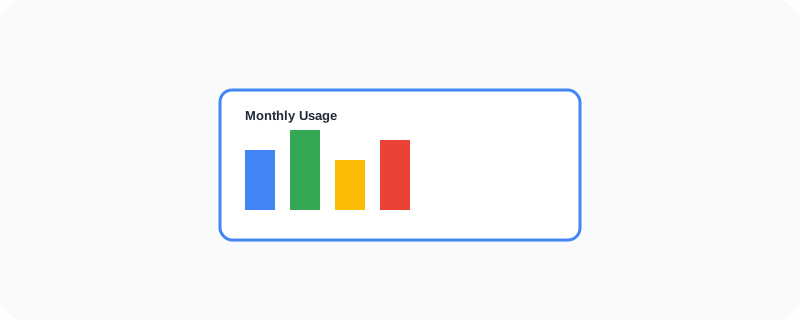
- Monitor spending and usage across every Cloud service
- Deploy and scale an application without owning physical hardware
- Set permissions for who on your team can access what
Who Is This For?
Developers and businesses running real applications that need actual server infrastructure. It has a real learning curve for beginners, but it's the standard way serious projects run in the cloud rather than on someone's laptop.
How to Start Using It
- Go to cloud.google.com
- Sign in and create a new project
- Launch your first resource, like a virtual machine or storage bucket
- Keep an eye on the billing dashboard as you go
A Simple Way to Think About It
Think of it as renting a fully equipped data center by the hour, controlled entirely from a browser tab instead of a server room.
Want to see more Google developer tools? Browse the full Google Universe directory, or read our simple guide to Google Antigravity next.
📣 Share this article