
Google Alerts Explained Simply — Let the Internet Tell You, Instead of Checking Yourself
Google Alerts emails you the moment something new is published about a topic you care about. Here's how to set it up in a few minutes.
🌐 Translate this article:
⚡ Powered by Google Translate · Original content preserved
Checking the internet every day for mentions of your name, brand, or a topic gets old fast. Google Alerts does that checking for you, automatically.

What It Actually Does
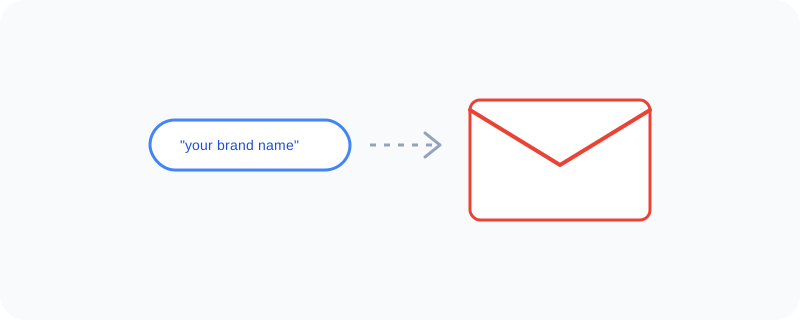
You tell Google Alerts a keyword — your business name, a competitor, a topic you follow — and it scans the web for new content matching that keyword. Whenever something new shows up, it sends you an email, so you don't need to manually search every day to stay in the loop.
What You Can Actually Do With It
- Track mentions of your name, brand, or business online
- Follow ongoing coverage of a topic without searching daily
- Choose how often you're emailed — instantly, daily, or weekly
- Monitor a competitor or industry keyword automatically
Who Is This For?
Business owners who want to know when their brand is mentioned. Anyone following a specific topic, like a hobby or ongoing news story. People who simply don't want to keep manually searching the same thing every day.
How to Start Using It
- Go to google.com/alerts
- Type in the keyword or topic you want to track
- Choose how often you want to be emailed
- Click "Create Alert" and check your inbox going forward
A Simple Way to Think About It
Think of it as hiring someone to read the entire internet for you and only tap you on the shoulder when something relevant actually shows up.
Want to see more Google research and monitoring tools? Browse the full Google Universe directory, or read our simple guide to Google Trends next.
📣 Share this article