
Gmail Explained Simply — More Than Just Sending Email
Gmail isn't just an inbox anymore. It can summarize long threads, help you write replies, and find any old email in seconds. Here's how, in plain words.
🌐 Translate this article:
⚡ Powered by Google Translate · Original content preserved
Almost everyone has a Gmail account. But most people only use a small part of what it can actually do. Let's keep it simple.
What's New(ish) in Gmail
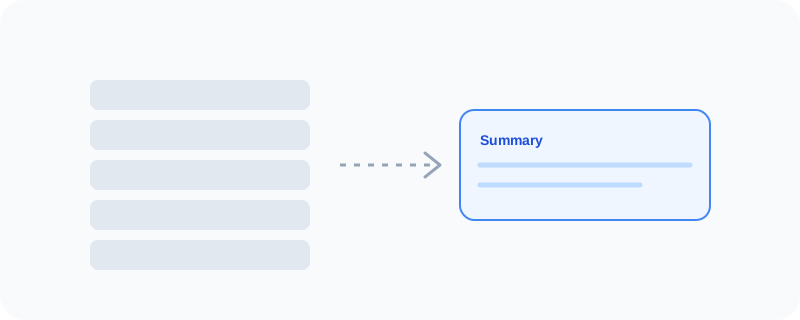
If a conversation has ten back-and-forth replies, Gmail can now read the whole thread and give you a short summary at the top — so you know what happened without scrolling through everything. It can also help you write a reply, matching the tone of the conversation, so you're not staring at a blank box trying to find the right words.
What You Can Actually Do With It
- Get an instant summary of a long email thread
- Use "Help me write" to draft a reply, then edit it to sound like you
- Search using simple filters, like
from:a person orhas:attachment - Snooze an email so it comes back to your inbox later
- Set up filters so certain emails skip the inbox automatically
Who Is This For?
Honestly, everyone with an inbox. But it especially helps people who get a lot of email at work and don't have time to read every single reply in a long chain.
How to Start Using It
- Go to gmail.com
- Sign in with your Google account
- Open any long email thread and look for the summary at the top
- Try "Help me write" the next time you're replying to something
A Simple Way to Think About It
Imagine an assistant who reads your messy inbox for you and hands you the short version. That's Gmail today.
Want to see more of Google's everyday tools? Browse the full Google Universe directory, or read our simple guide to Google Drive next.
📣 Share this article