
Chromecast Explained Simply — Turning Any TV Into a Smart TV
Chromecast lets you send video and music from your phone straight to your TV, without needing a smart TV in the first place.
🌐 Translate this article:
⚡ Powered by Google Translate · Original content preserved
You don't need to buy a brand-new smart TV just to stream video on the big screen. Chromecast is a small device that plugs into any TV and makes it act like one.
What It Actually Does
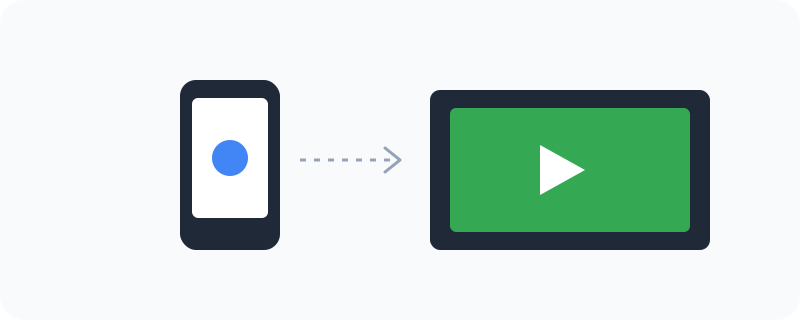
Once a Chromecast is plugged into your TV's HDMI port and connected to your Wi-Fi, apps like YouTube, Spotify, or Netflix get a small "cast" icon inside them. Tapping that icon sends the video or music from your phone or computer directly to the TV — your phone isn't actually streaming through itself, it's just telling the TV what to play, so your phone can even go to sleep while the video keeps playing.
What You Can Actually Do With It
- Cast video, music, or photos from your phone or laptop to your TV
- Keep using your phone normally while the video keeps playing on the TV
- Cast the same audio to multiple Chromecast-connected speakers at once
- Use newer models with a Google TV interface and its own home screen
- Mirror your entire phone or laptop screen if an app doesn't support casting directly
Who Is This For?
Anyone with an older "dumb" TV who doesn't want to buy a brand-new smart TV. People who already stream everything from their phone and just want it on a bigger screen easily.
How to Start Using It
- Go to store.google.com to get a Chromecast device
- Plug it into an HDMI port on your TV and connect it to your Wi-Fi
- Open a supported app like YouTube and tap the cast icon
- Select your Chromecast from the list to start streaming to the TV
A Simple Way to Think About It
Think of it as handing your TV a remote control it didn't have before — one that lets your phone tell it exactly what to play, without your phone doing all the streaming work itself.
Want to see more Google tools for mobile and devices? Browse the full Google Universe directory, or read our simple guide to ChromeOS next.
📣 Share this article